
Choose from professional receipt templates and customize every detail. Edit store info, items, taxes, and styling in real time — then download your finished receipt instantly. Free, no account needed.
Pick a template below to load it directly into the editor.
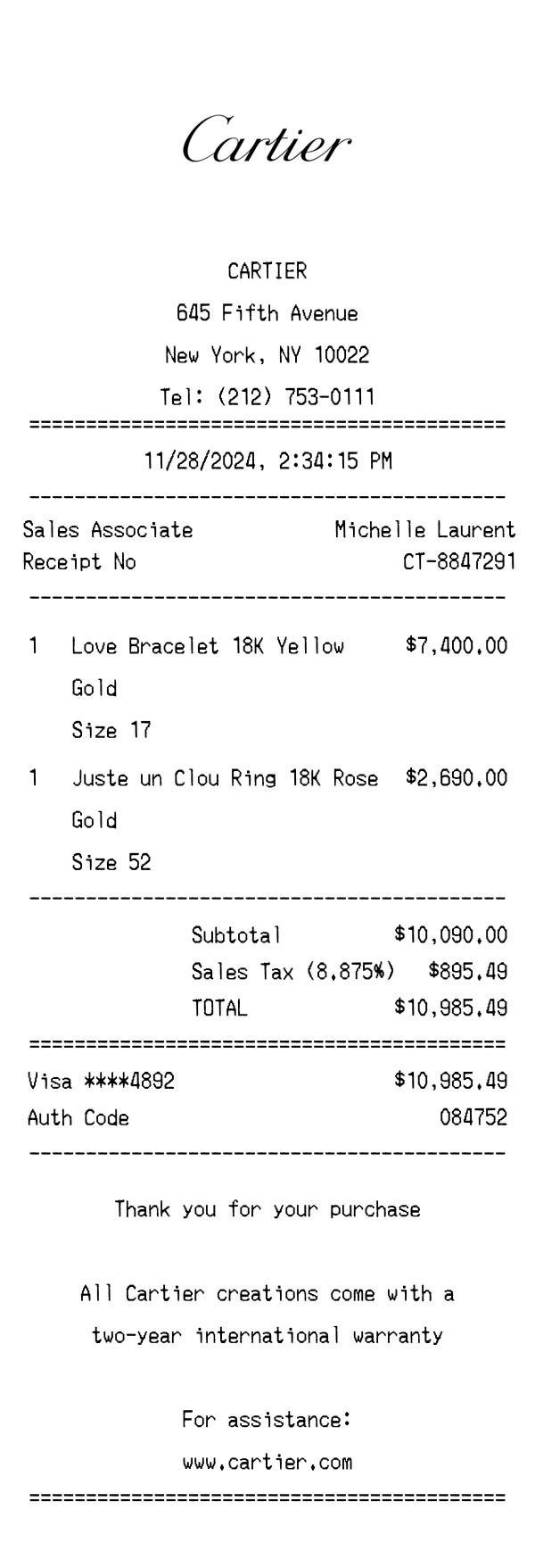
Cartier Receipt Template & Example Generator
Use template
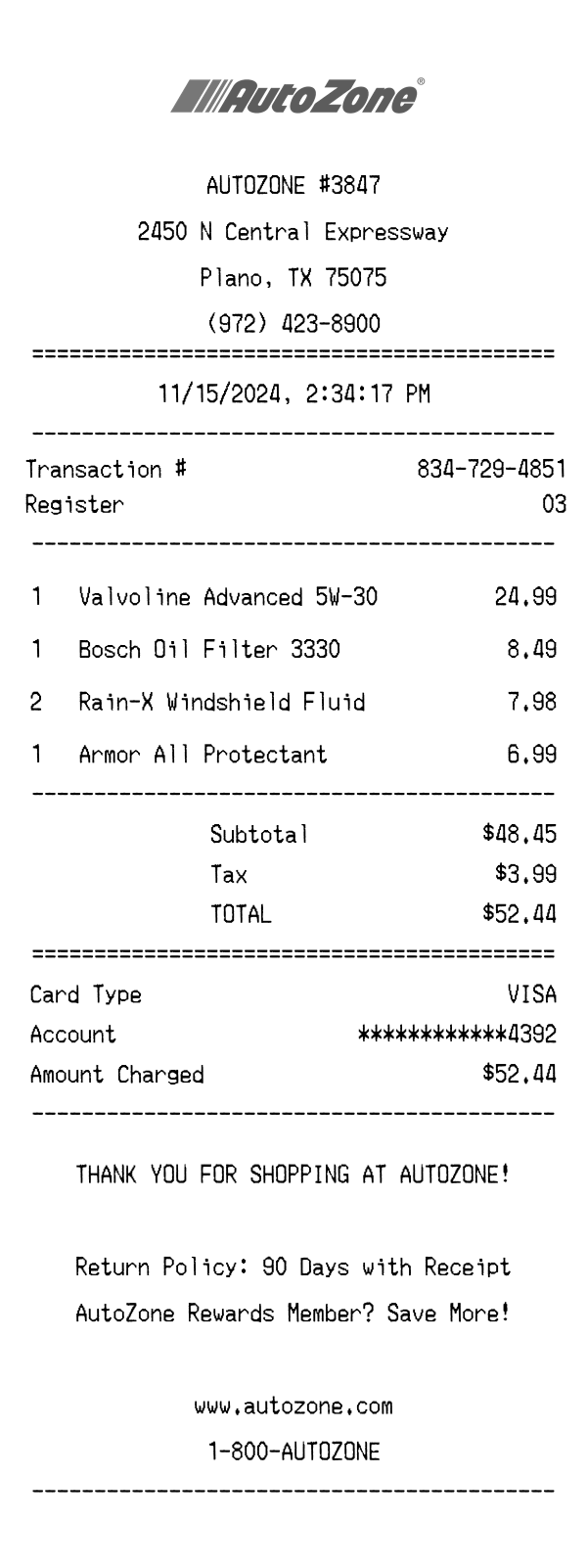
AutoZone Receipt Template & Generator Example
Use template
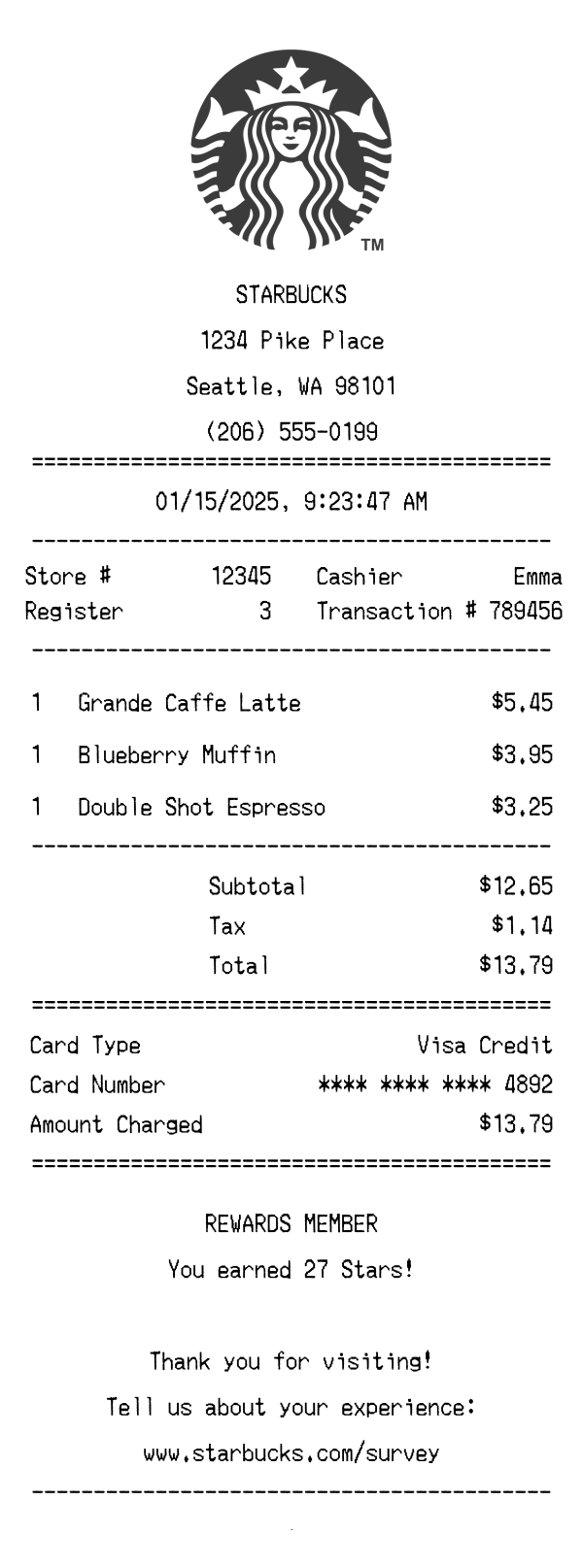
Starbucks Receipt Template & Generator Example
Use template
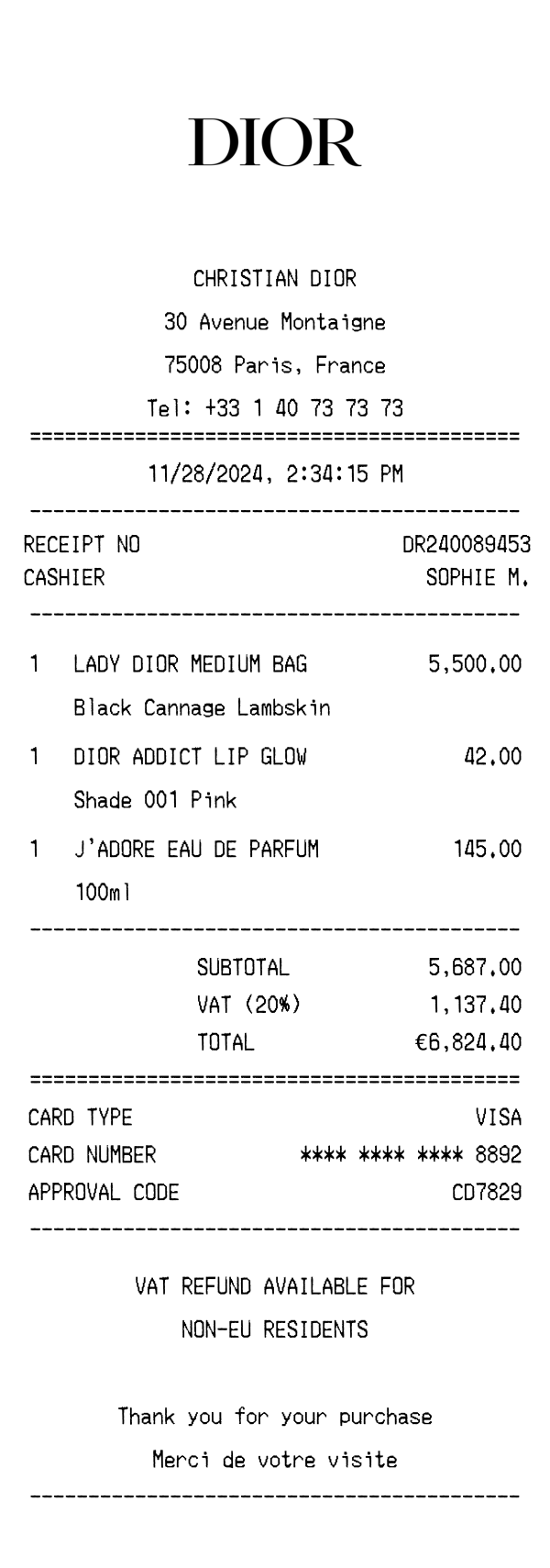
Christian Dior Receipt Template & Generator
Use template
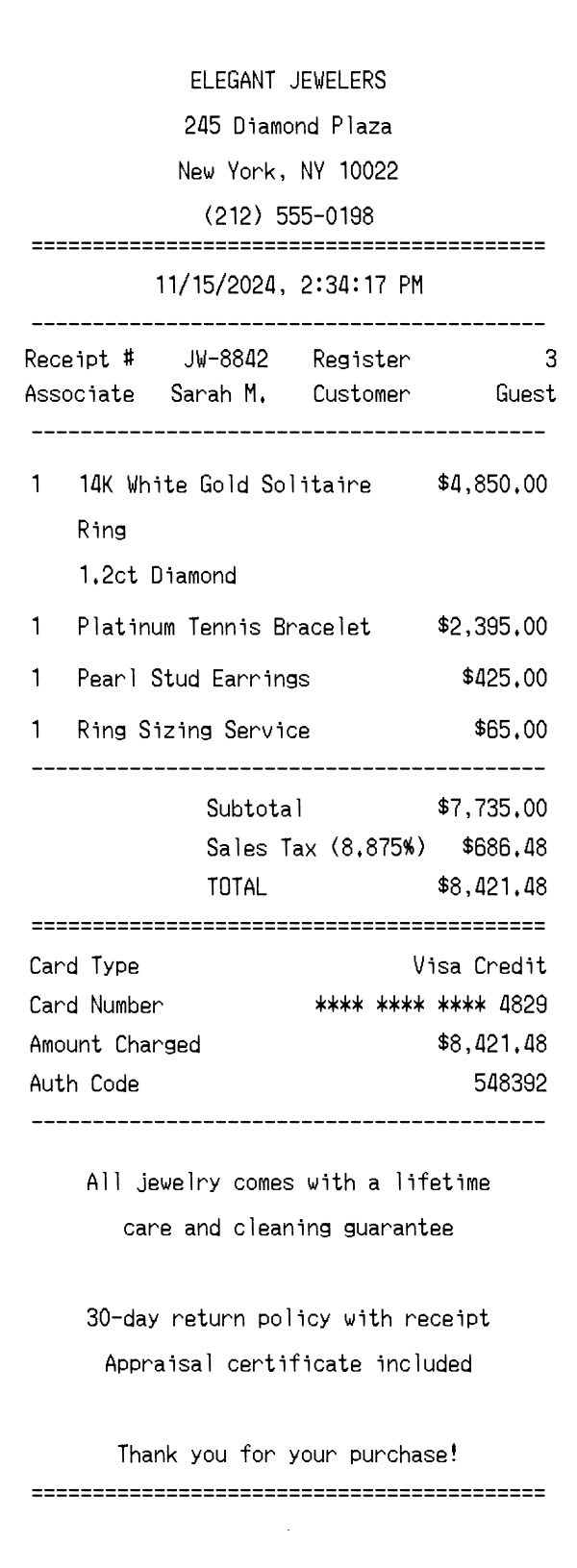
Elegant Jewelers Receipt Template & Example
Use template
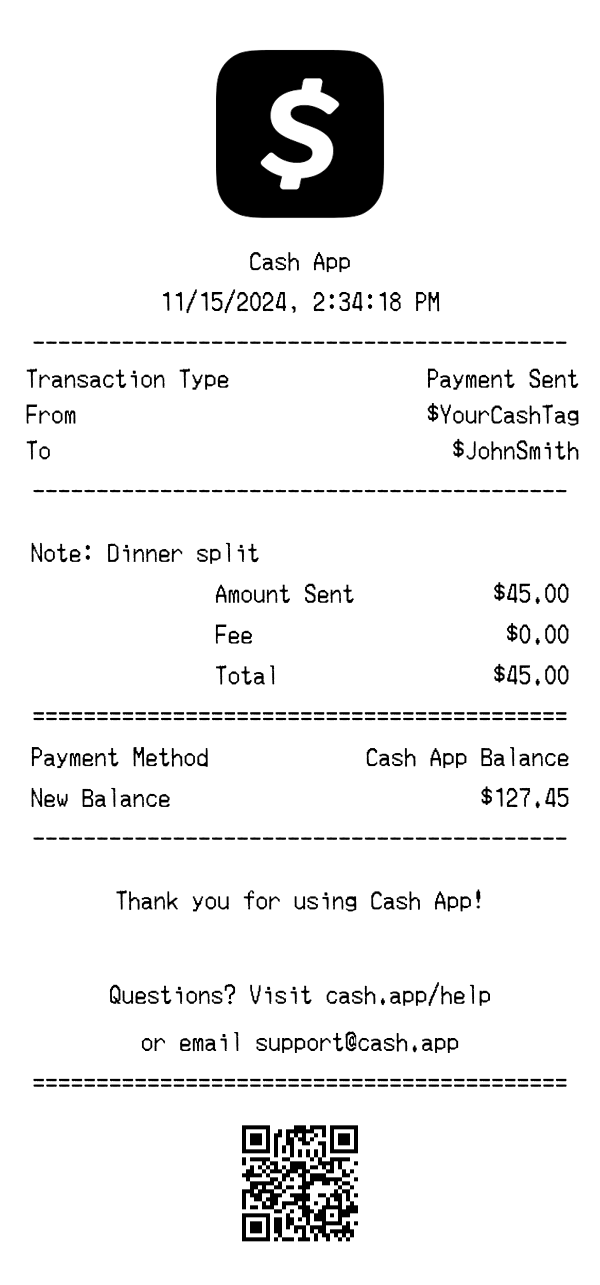
Cash App Payment Receipt Template & Example
Use template
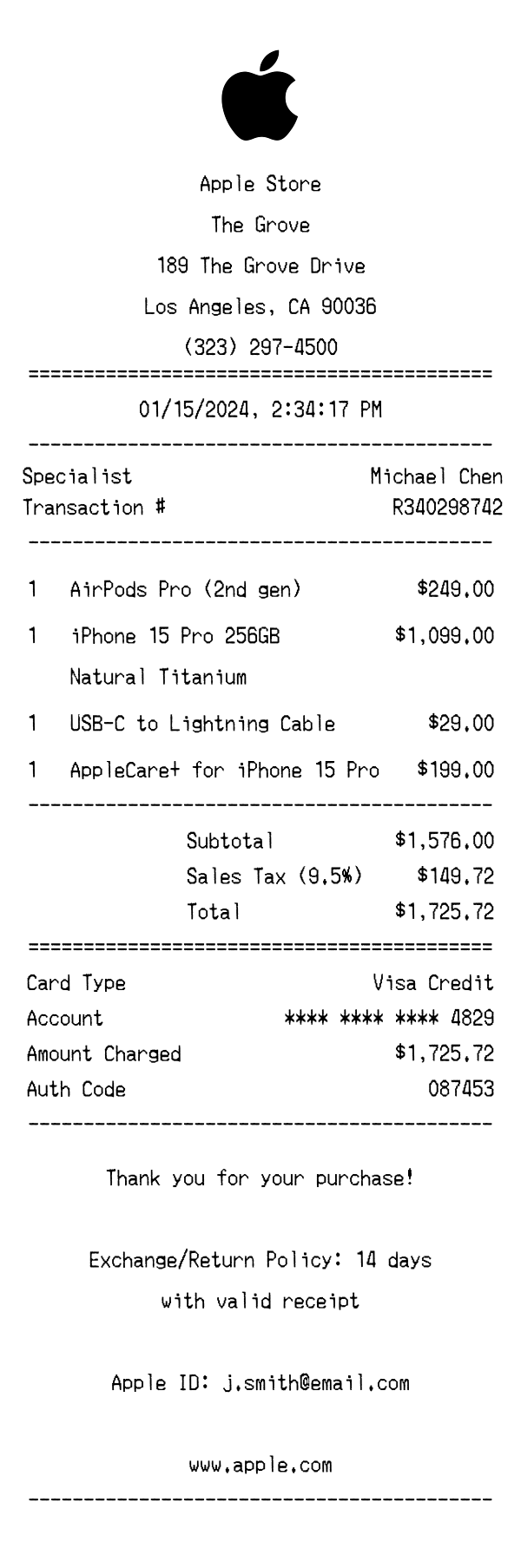
Apple Store Receipt Example & Template
Use template
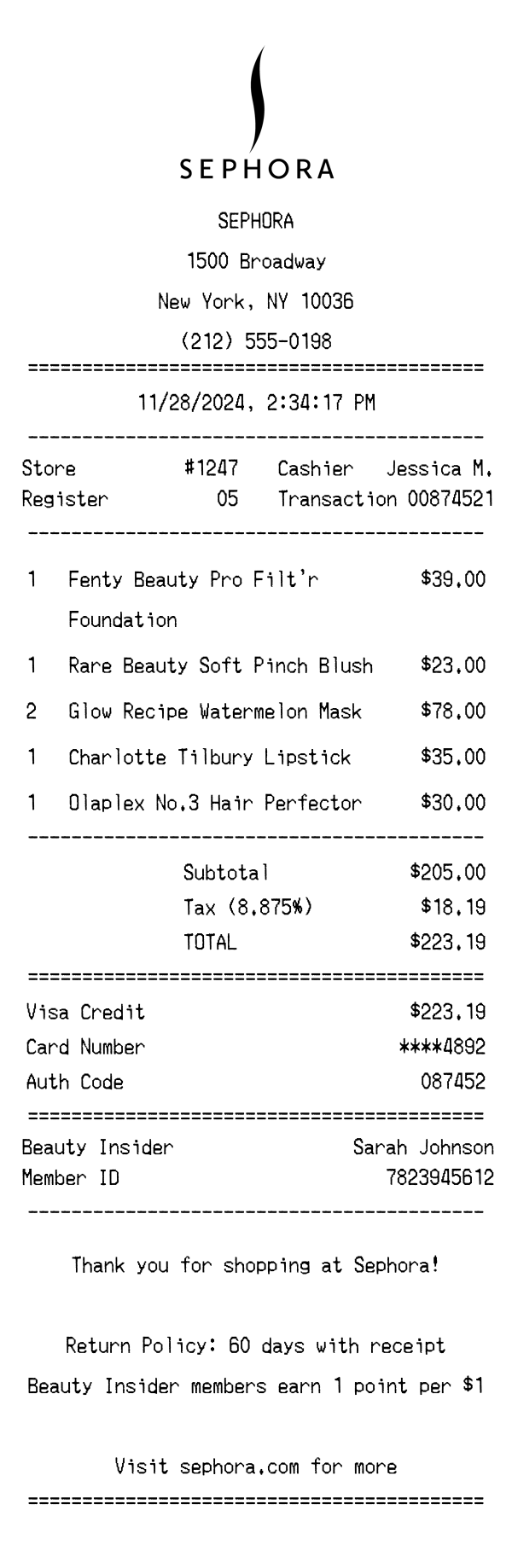
Sephora Receipt Example & Template
Use template
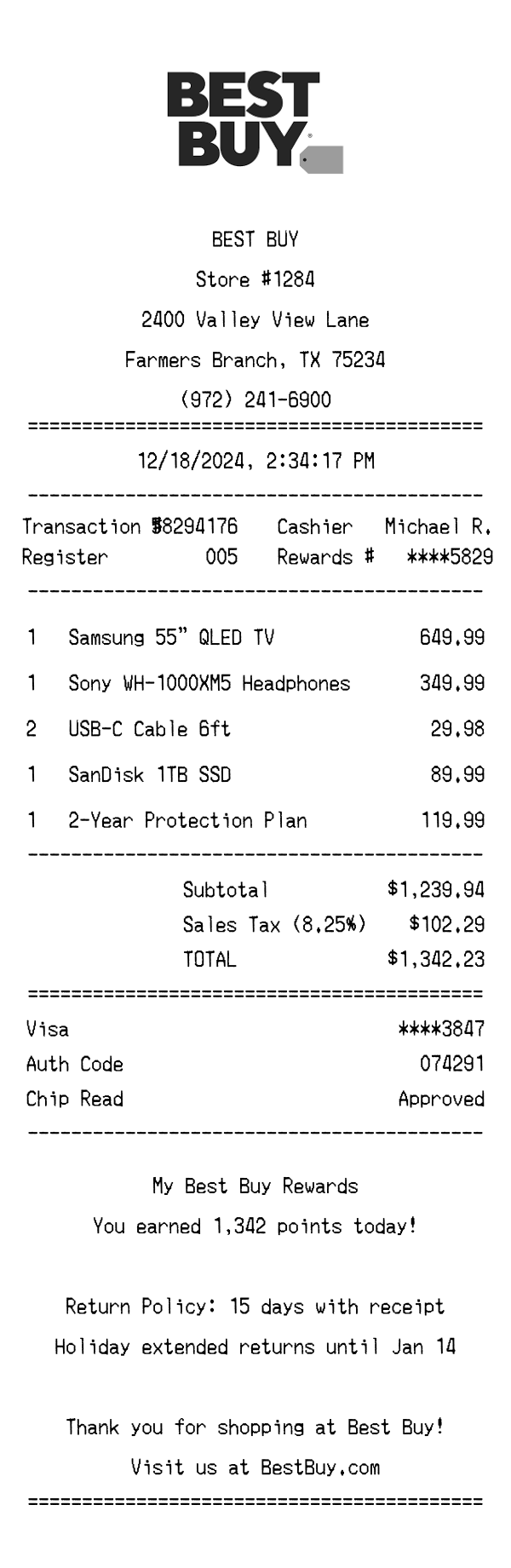
Best Buy Receipt Example & Template
Use template
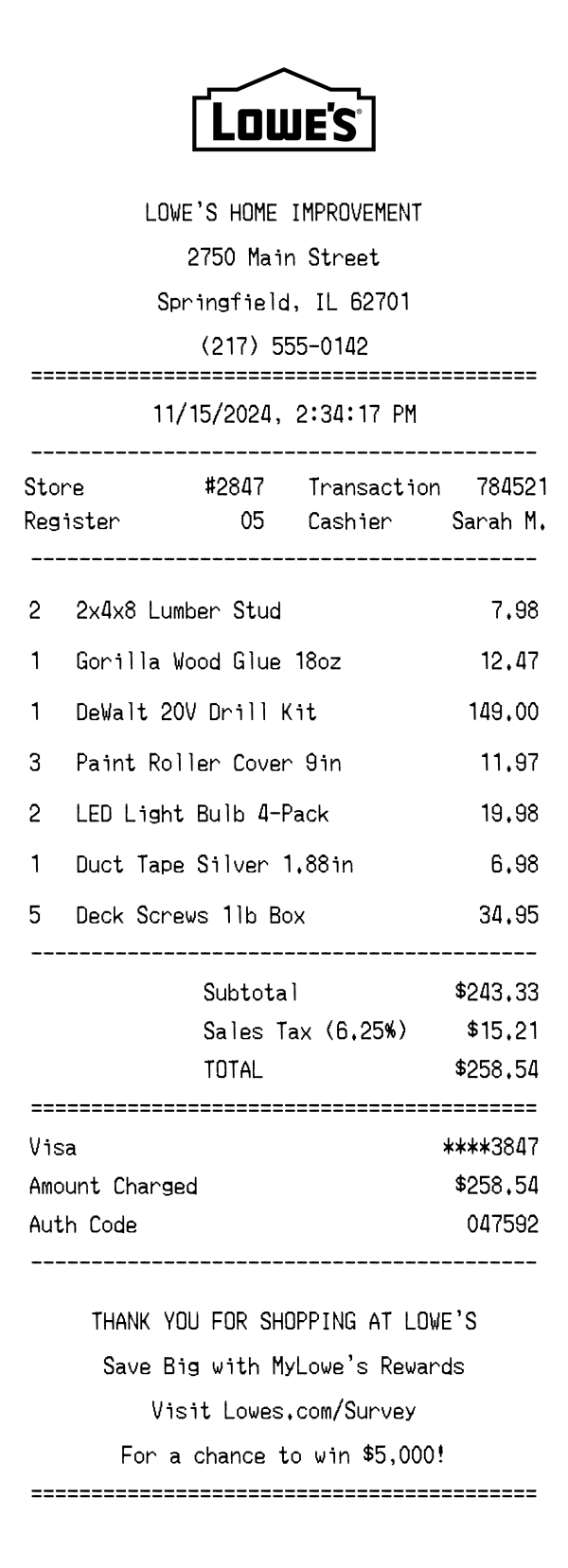
Lowe's Receipt Example & Template
Use template
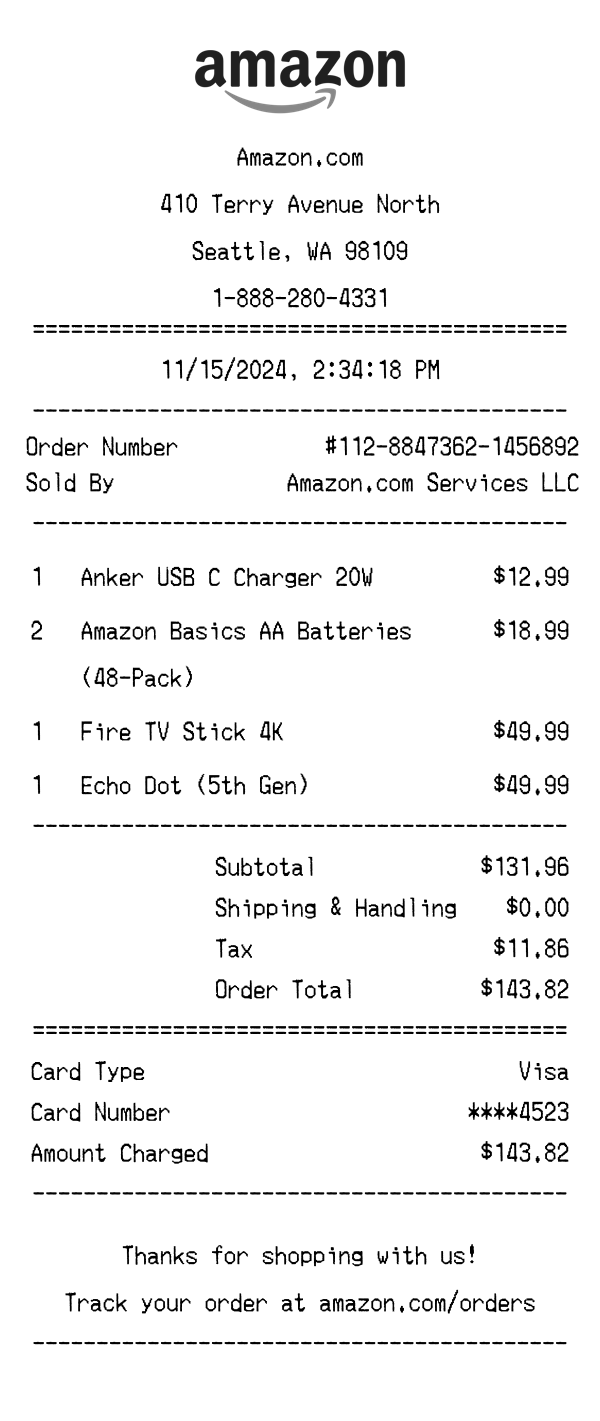
Amazon Receipt Example & Template
Use template
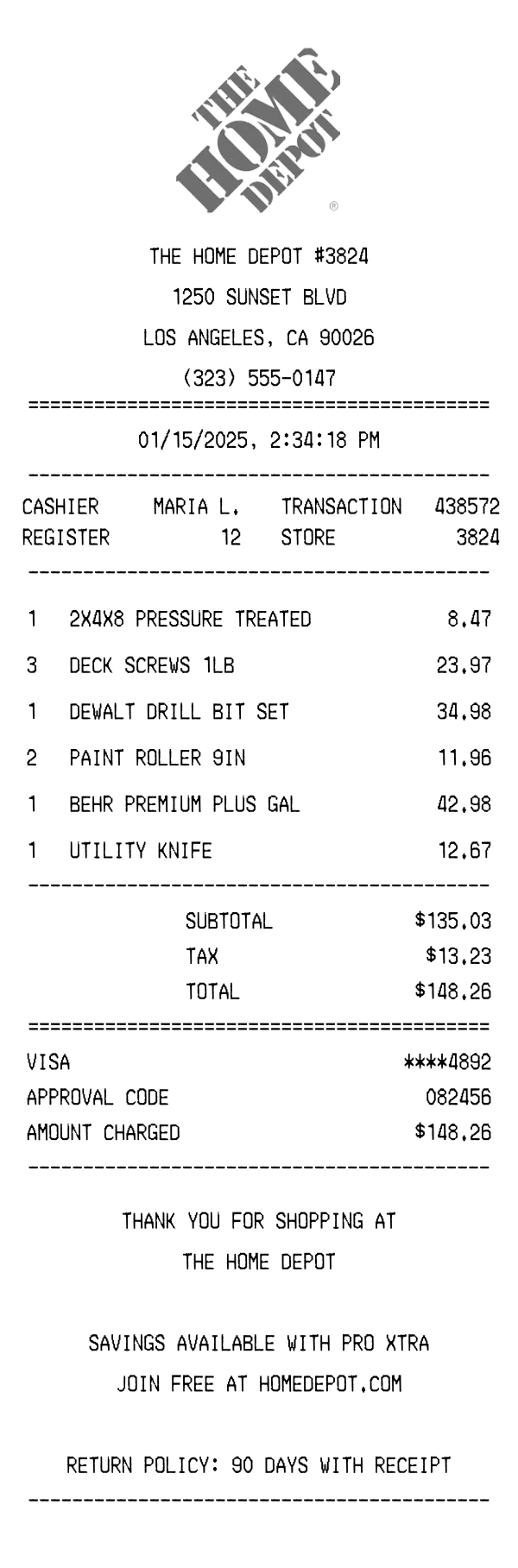
Home Depot Receipt Example & Template
Use template
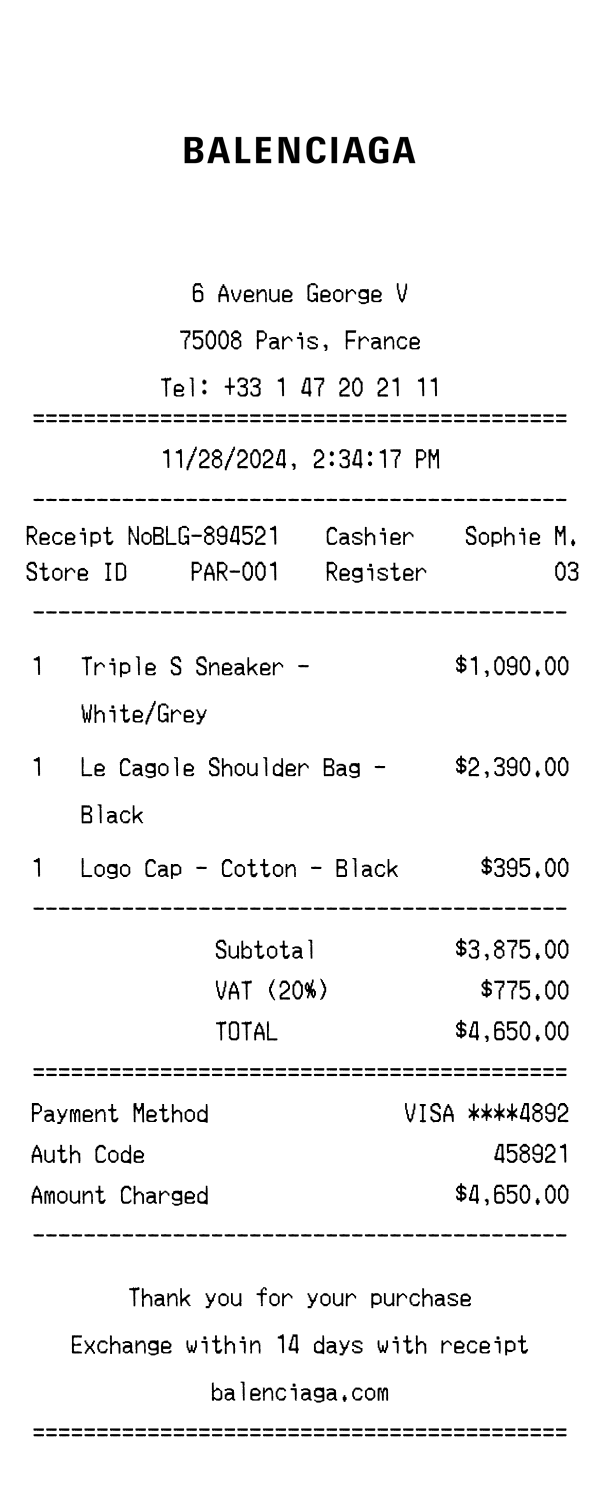
Balenciaga Receipt Example & Template
Use template
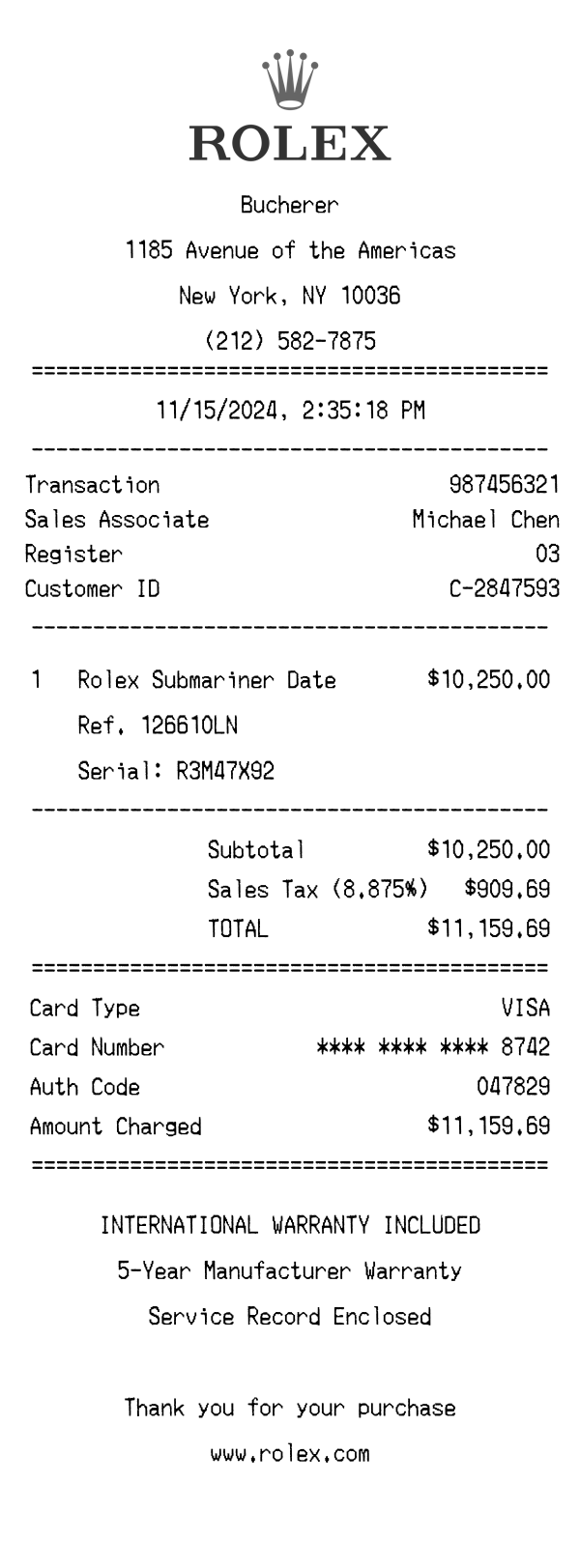
Rolex Receipt Example & Template
Use template
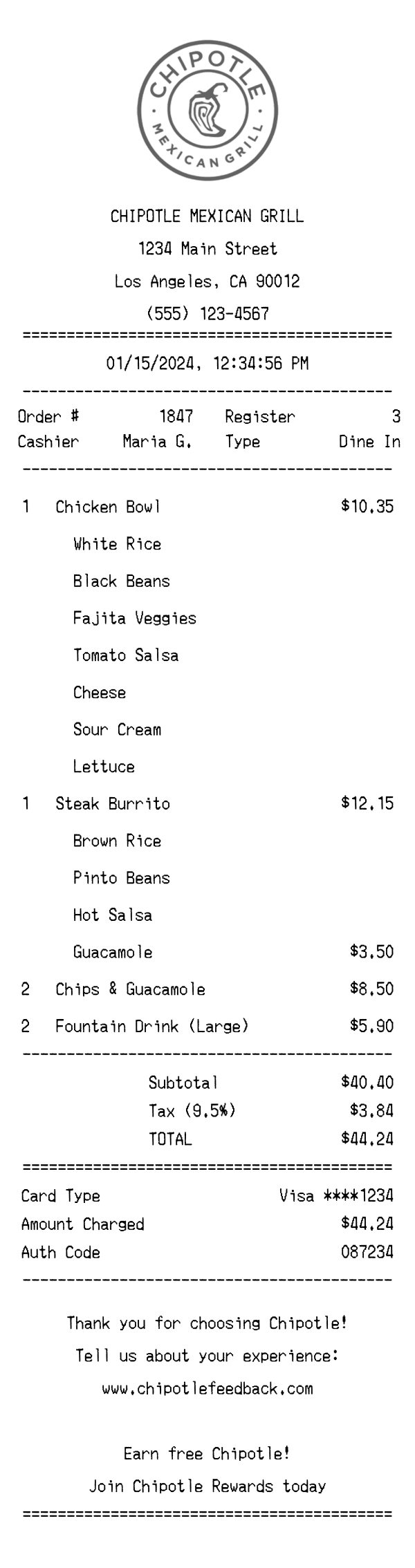
Chipotle Receipt Example & Template
Use template
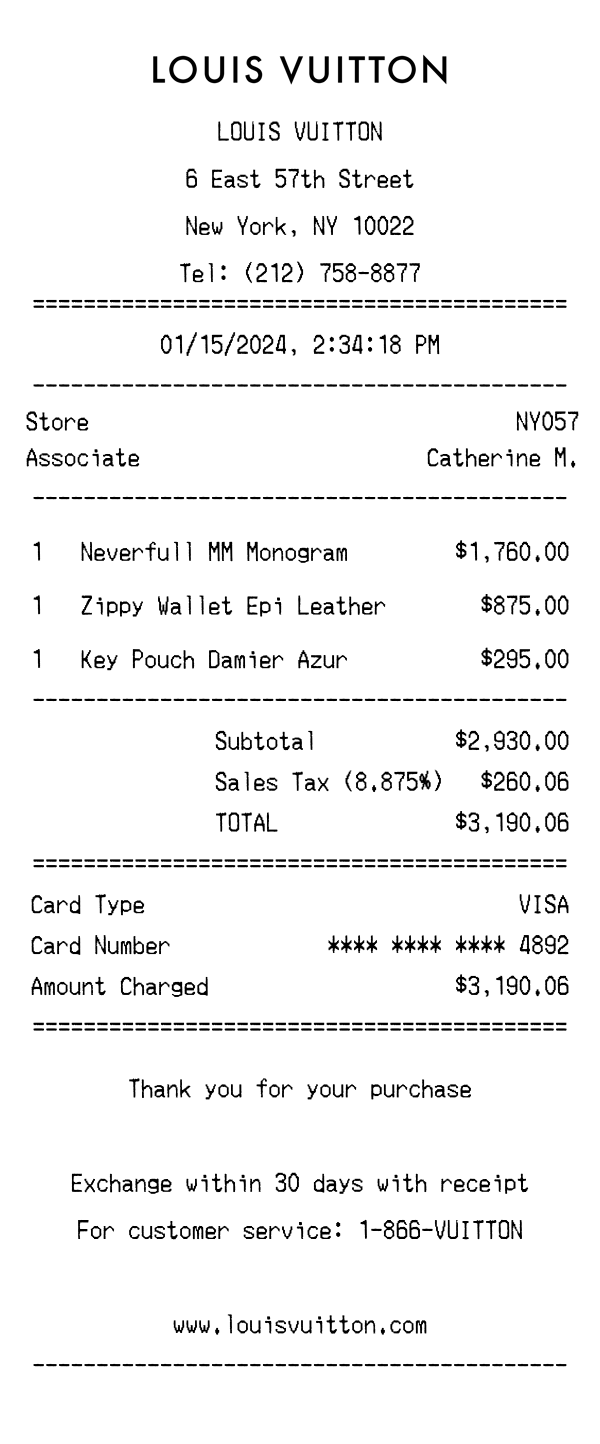
Louis Vuitton Receipt Example & Template
Use template
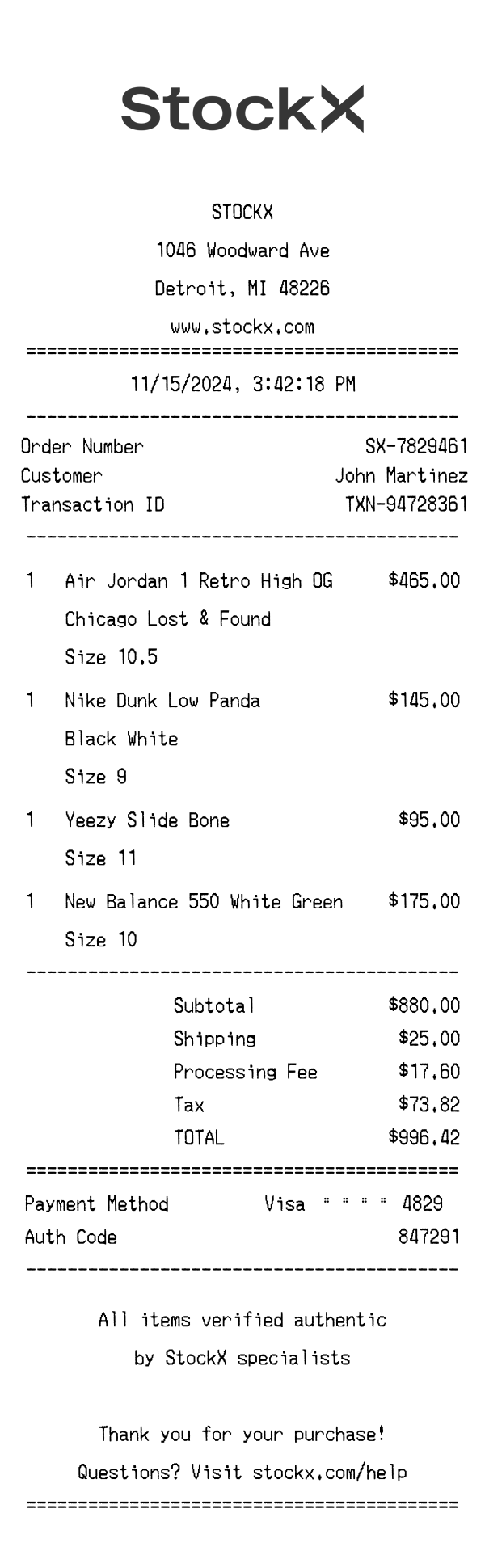
StockX Receipt Example & Template
Use template
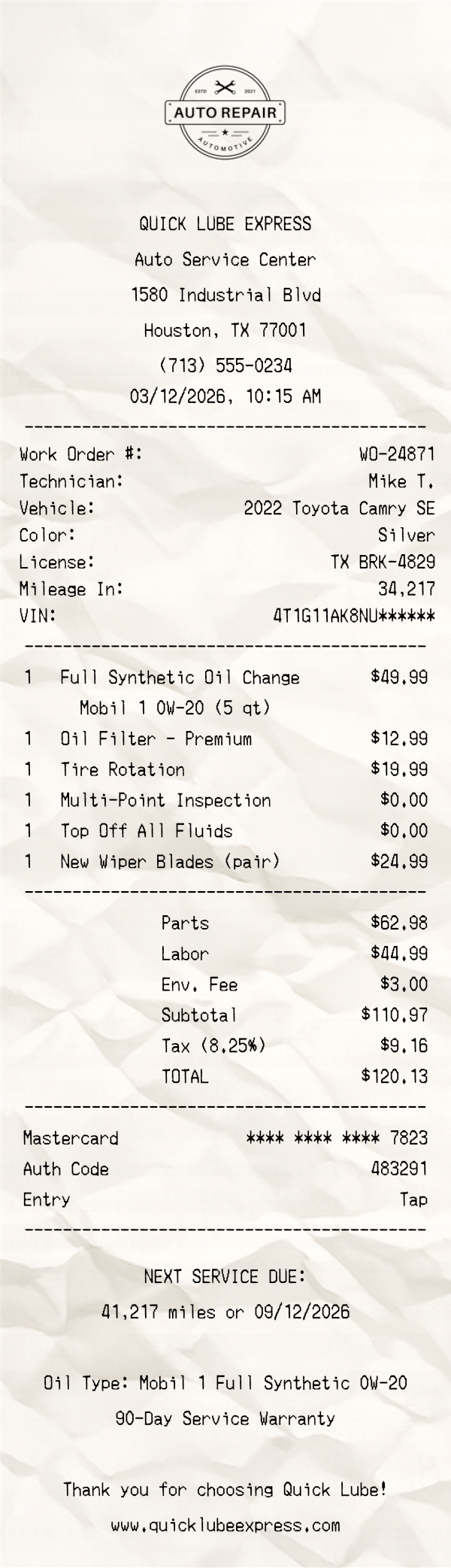
Oil Change Receipt Template
Use template
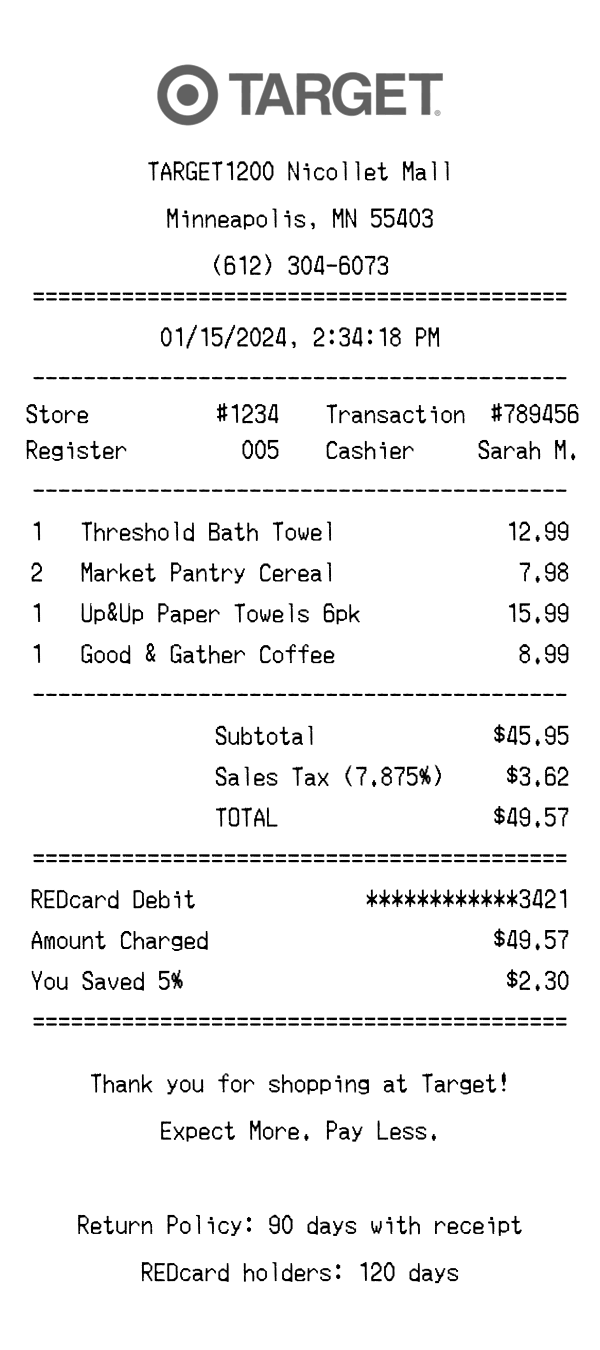
Target Receipt Example & Template
Use template
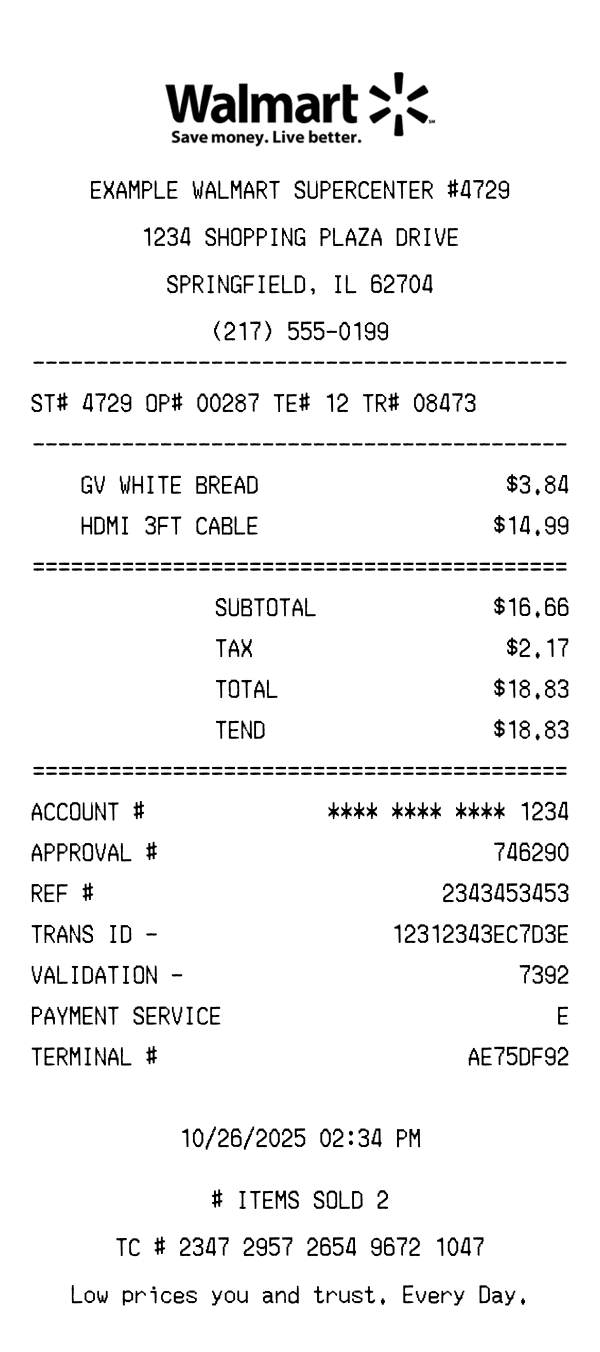
Walmart Receipt Example & Template
Use template
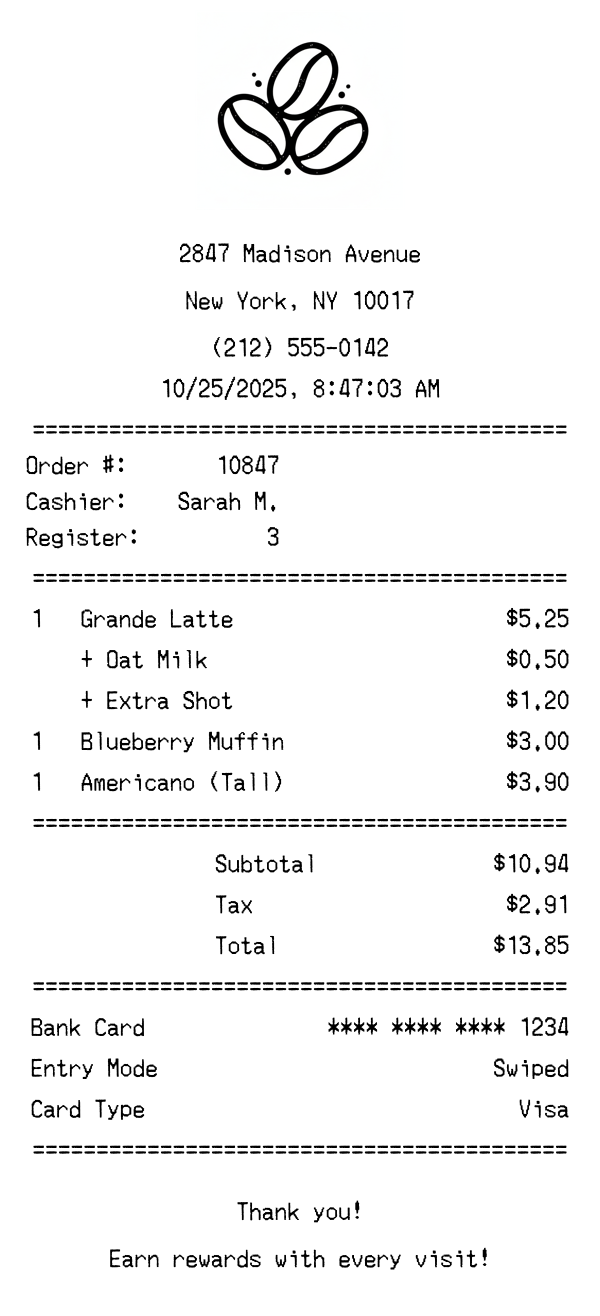
Coffee Shop Receipt Example & Template
Use template
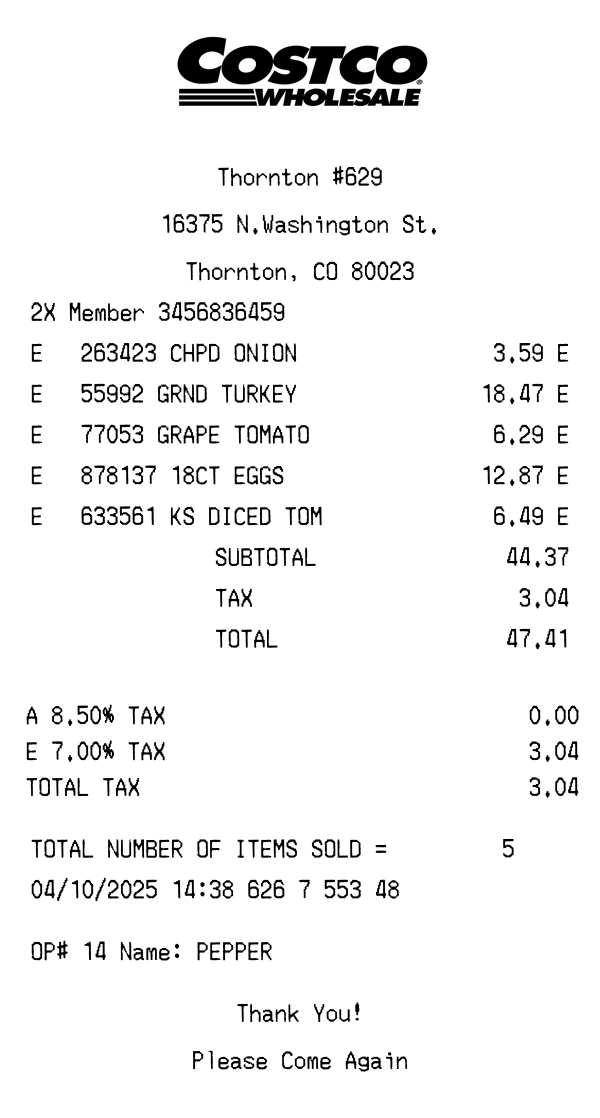
Costco Receipt Example & Template
Use template
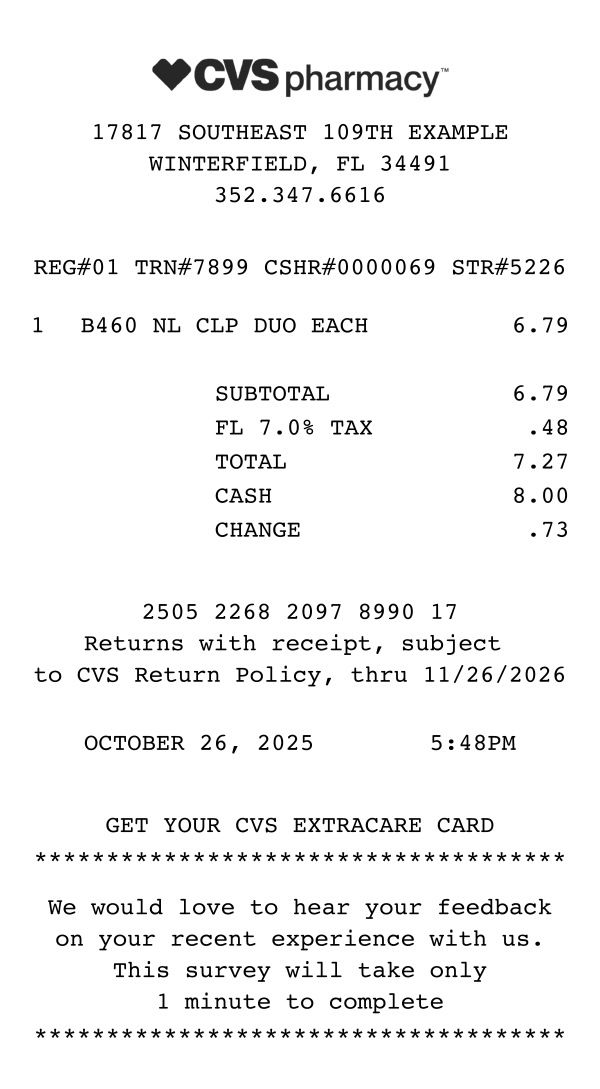
CVS Receipt Example & Template
Use template
View all templates
Browse the full collection
A receipt template is a pre-configured receipt layout with placeholder data that you fill in with your own details. Instead of building a receipt from a blank canvas, you start with a professional structure already in place — store header, item list, totals, payment info — and customize it to fit your needs.
Receipt Baker's templates go beyond static Word or Excel documents. Every change you make updates in a live preview, so you see exactly what the finished receipt looks like as you edit. You get authentic receipt fonts, automatic column alignment, and professional formatting that matches what real point-of-sale systems produce — without needing any software installed.
Start with the template editor above. It comes pre-loaded with a standard receipt layout including a store header, item list, totals, and footer. You can also browse receipt examples to find a template that matches your specific receipt type — retail, restaurant, hotel, service, and more.
Replace the placeholder text with your own information. Enter the store name, address, and phone number. Add line items with quantities, names, and prices. Set the tax rate, subtotal, and total. Every field in the template is fully editable.
Pick from five receipt-style fonts, choose your text color, and set the receipt width. Upload a logo, add barcodes or QR codes, and include a custom footer message. Drag and drop blocks to reorder sections until the layout is exactly what you need.
When the live preview looks right, click download. You'll get a high-quality PNG image that works in design mockups, presentations, testing environments, or any project that needs a realistic receipt.
Small business owners who need professional receipts without investing in expensive point-of-sale software. A receipt template lets you create consistent, branded receipts in seconds.
Freelancers who want to provide professional payment documentation to clients. Templates ensure every receipt includes the right details — service description, amount, date, and payment method.
Designers and developers who need realistic receipt mockups for app interfaces, portfolio pieces, or testing. Starting from a template is faster than building from scratch.
Students and educators creating receipt examples for coursework, presentations, or accounting exercises.
Need a starting point? Browse receipt examples to see templates for specific receipt types.
These three terms describe different approaches to creating receipts. A receipt template gives you a pre-built starting point — a structured layout with placeholder data that you customize. A receipt maker emphasizes hands-on crafting, where you build each section from scratch with full control over layout and content. A receipt generator leans toward quick, automated output — describe what you need and get a finished receipt.
Receipt Baker combines all three. Start from a template, customize it like a maker, or use the AI-powered generator to describe your receipt and have it built automatically. Choose whichever approach fits your workflow.
Match the template to your receipt type. A retail receipt needs an item list with quantities and prices. A service receipt might just need a description and total. Remove blocks you don't need and add ones that are relevant.
Choose the right font for the look. Thermal receipt fonts (OCR-A, Epson) give a classic register feel. Courier works well for invoice-style receipts. The font changes the entire character of the receipt.
Use realistic placeholder data. If you're creating mockups, plausible store names, reasonable prices, and common item descriptions make the receipt far more convincing than generic placeholder text.
For step-by-step guidance, check out our receipt guides and tutorials, or head to the homepage to create receipts online using any of our free tools.
Start editing a professional receipt template in seconds. No signup required.