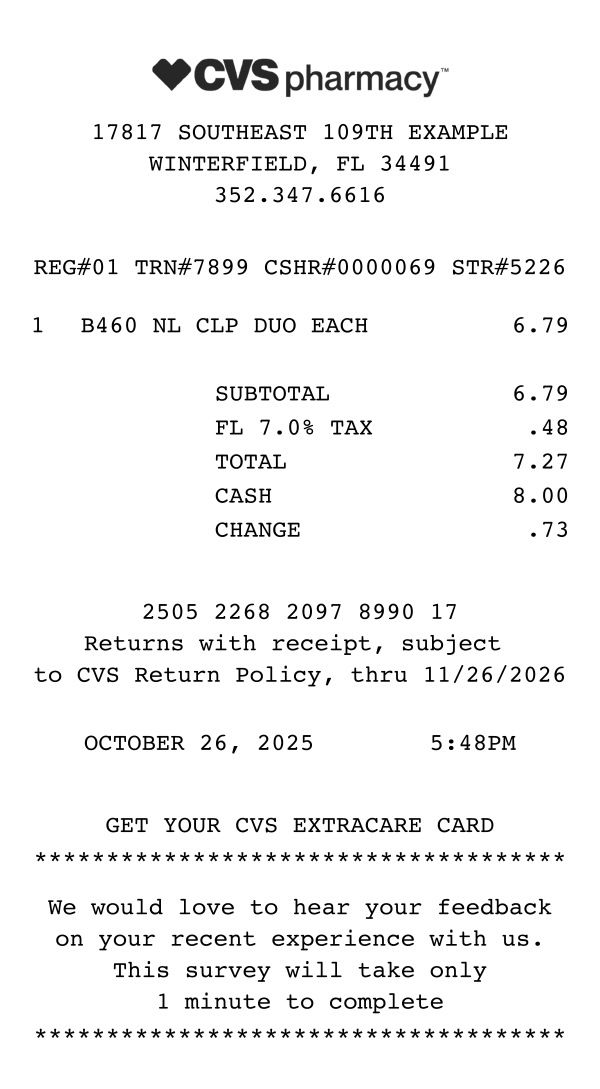
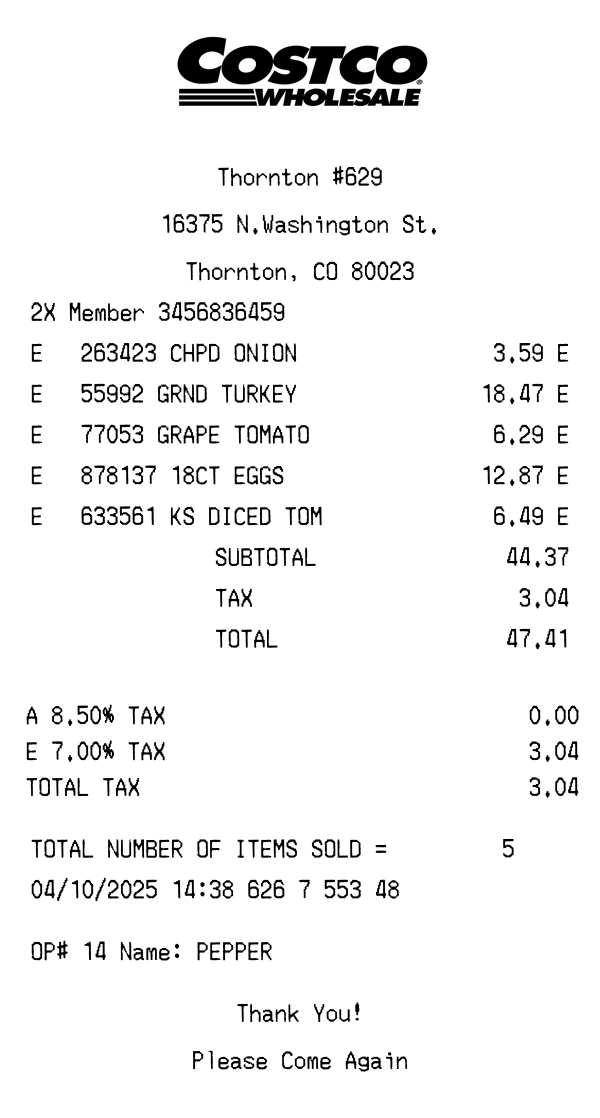
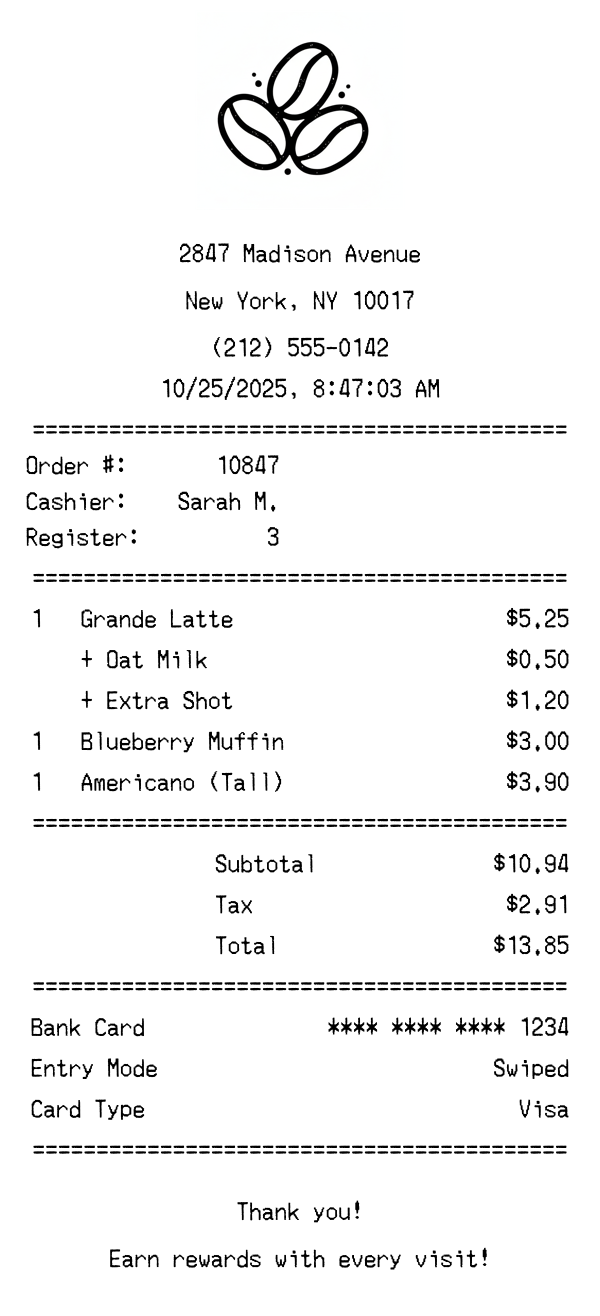
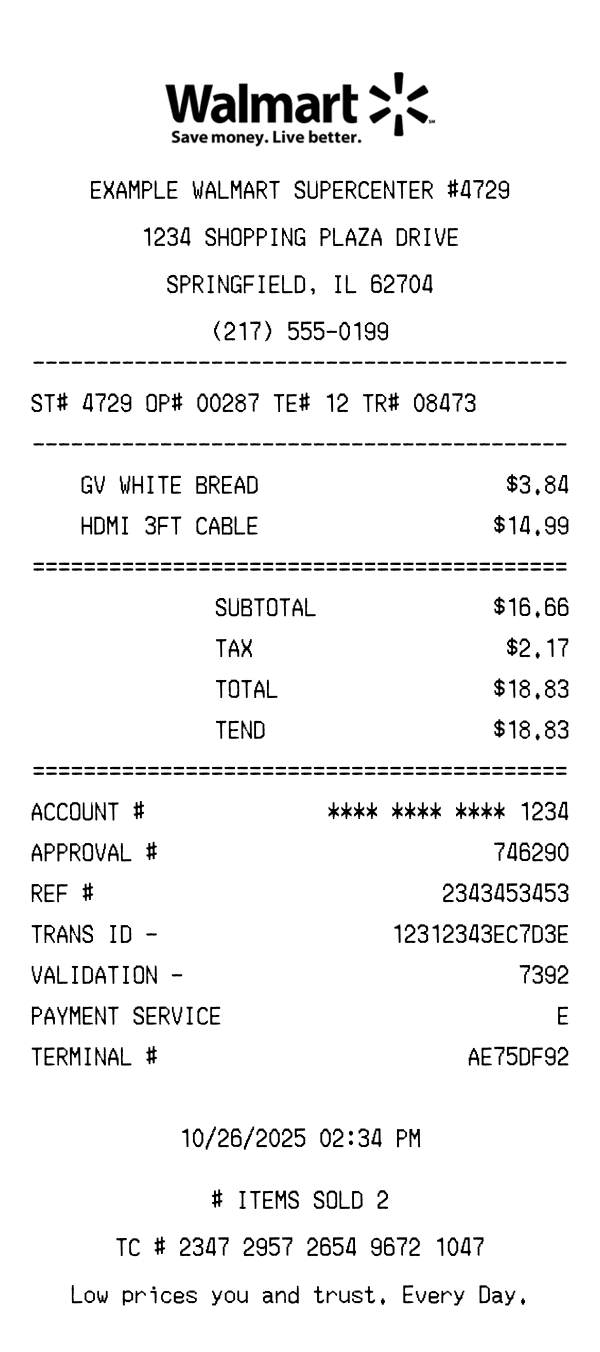
Free CVS Pharmacy receipt template with realistic formatting, including ExtraBucks rewards, store details, and itemized purchases. Use it for mockups, testing, portfolios, or educational projects — customize and download instantly.
Use this template as a starting point or build from scratch.
CVS Pharmacy receipts are famously long — often several feet for a single item purchase. This is because CVS prints ExtraBucks rewards, coupons, and promotional offers directly on the receipt. Understanding the format is essential for creating accurate templates, especially if you’re testing receipt-scanning software or building pharmacy-related mockups.
CVS receipts start with the store address, city, state, and phone number. The header also includes a line with the register number (REG#), transaction number (TRN#), cashier number (CSHR#), and store number (STR#). This compact identifier line is distinctive to CVS and packs four codes into a single row, making it easy to identify the exact transaction.
The REG# identifies the register, TRN# is the sequential transaction number, CSHR# is the cashier’s employee ID, and STR# is the 4-digit store number. These codes appear together on a single line just below the store address. The format is consistent across all 9,000+ CVS locations in the United States.
Items are listed with abbreviated product names (often using internal CVS codes like “B460 NL CLP DUO”) and prices. Each item shows the quantity, unit type (EACH, PKG, etc.), and price. CVS groups items by department and marks taxable items with a tax code. ExtraCare card discounts appear as negative line items immediately after the discounted product.
CVS itemizes tax by state rate (e.g., “FL 7.0% TAX”) rather than using a generic tax label. The subtotal, tax, and total appear in a standard format. Cash transactions show the amount tendered and change due. Card payments display the card type, last four digits, and approval code. CVS also shows your ExtraCare card number and any ExtraBucks earned from the transaction.
The footer is where CVS receipts get their legendary length. After the transaction details, the receipt prints ExtraBucks rewards earned, available ExtraBucks balance, upcoming ExtraBucks offers, manufacturer coupons, and CVS store coupons. The footer often includes a customer satisfaction survey URL and a unique survey code. The total printed length can exceed 3 feet for a multi-item purchase.
| Feature | CVS Pharmacy | Walmart | Costco |
|---|---|---|---|
| Receipt format | Thermal paper (extra long) | Thermal paper (standard) | Thermal paper (wide) |
| Product identifier | SKU / internal code | UPC / dept code | 6-digit item number |
| Tax display | State rate (e.g., FL 7.0%) | Single tax line | Single tax line |
| Rewards program | ExtraBucks + ExtraCare | Walmart+ (separate) | Executive 2% reward |
| Coupons on receipt | Yes (multiple, printed after total) | No | No |
See also: Walmart Receipt Template · Costco Receipt Template
Customize every detail — store info, items, prices, dates, and payment method. Download as PNG in seconds.