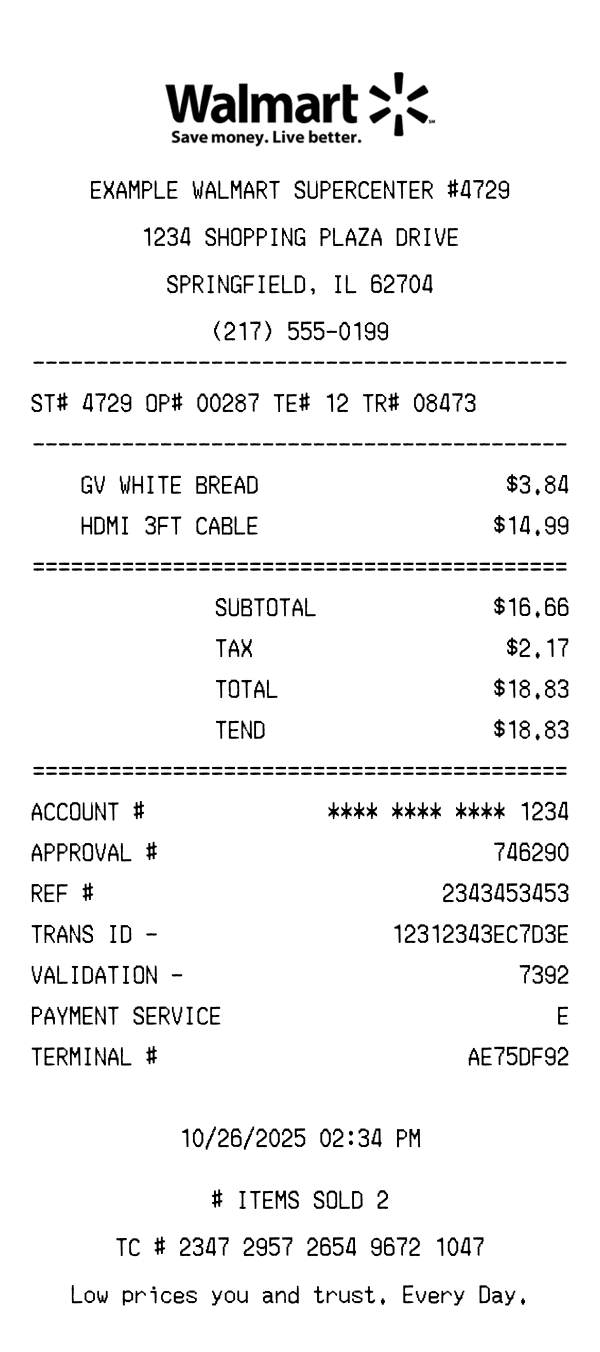
Realistic Walmart Supercenter receipt with store number, item lines, tax breakdown, TC# code, and payment details. Edit every field and download as a high-quality PNG — free, no sign-up required.
Use this template as a starting point or build from scratch.
A Walmart receipt contains several distinct sections that differ from other retailers. Understanding the format helps when creating templates for testing, design mockups, or record-keeping. Here’s a breakdown of every element on a standard Walmart Supercenter receipt.
Every Walmart receipt starts with the store type — Supercenter, Neighborhood Market, or Grocery — followed by the store number, full address, and phone number. The store number is always a 4-digit code prefixed with #. The store name appears in all caps at the top, often flanked by star symbols. This header format is consistent across all 4,700+ US locations.
Below the header, you’ll find the ST# (store number), OP# (operator/cashier number), TE# (terminal number), and TR# (transaction number). These codes are used internally by Walmart for tracking and returns. The operator number identifies the specific cashier who processed your transaction, while the terminal number corresponds to the physical register used.
Each item shows the product description (often abbreviated to fit the thermal paper width) and price on the right. Tax-eligible items are marked with a letter code — T for taxable, N for non-taxable, X for tax-exempt. Walmart uses department codes to categorize items, so grocery items appear differently than electronics. When quantities exceed one, the receipt shows the unit price multiplied by quantity on a separate line.
The payment section shows subtotal, applicable tax (which varies by state and item category), total, and payment method. For card payments, it displays VISA/MC/AMEX with the last four digits, an approval code, and a REF # (reference number). The TEND line shows the exact amount tendered. If paying cash, the CHANGE line calculates change due automatically.
The bottom section includes the transaction date and time in MM/DD/YYYY format, number of items sold (# ITEMS SOLD), and a long TC# code — typically 20+ digits — used for returns and exchanges. Walmart’s tagline “Save money. Live better.” appears near the bottom. Many receipts also include a survey invitation URL at survey.walmart.com offering a chance to win a $1,000 gift card.
| Feature | Walmart | Target | Costco |
|---|---|---|---|
| Receipt format | Thermal paper (standard) | Thermal paper (standard) | Thermal paper (wide format) |
| Store identifier | ST# + 4-digit code | Store # (numeric) | Warehouse # + city |
| Return policy code | TC# (20+ digit code) | Barcode at bottom | Linked to membership |
| Tax display | Single tax line | Itemized by category | Single tax line |
| Survey URL | survey.walmart.com | informtarget.com | None |
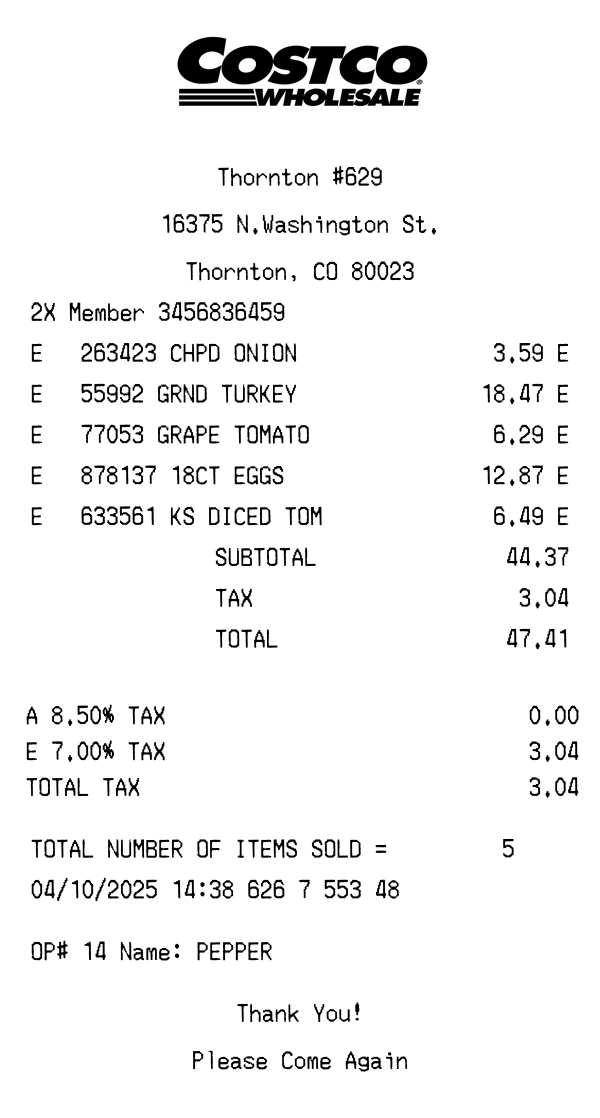
See also: Target Receipt Template · Costco Receipt Template
Customize every detail — store info, items, prices, dates, and payment method. Download as PNG in seconds.