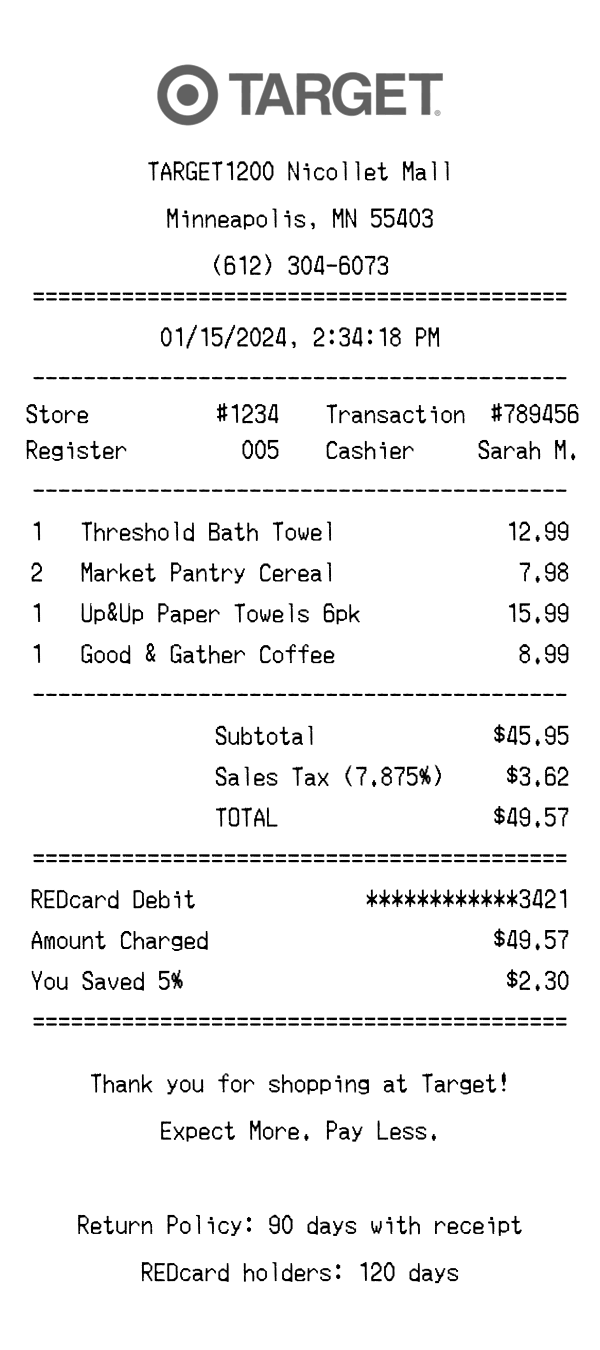
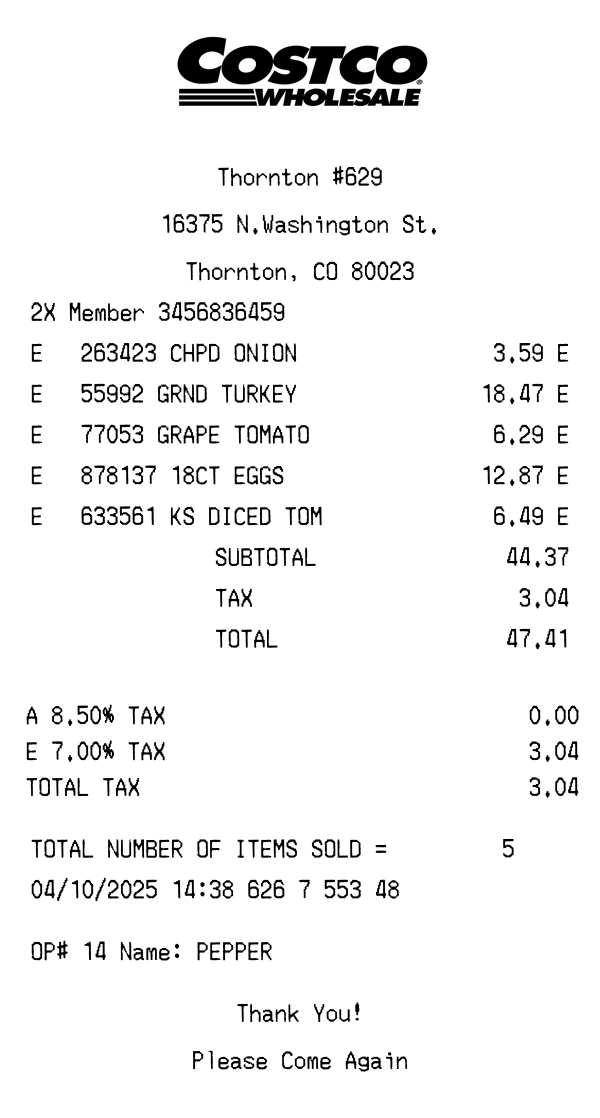
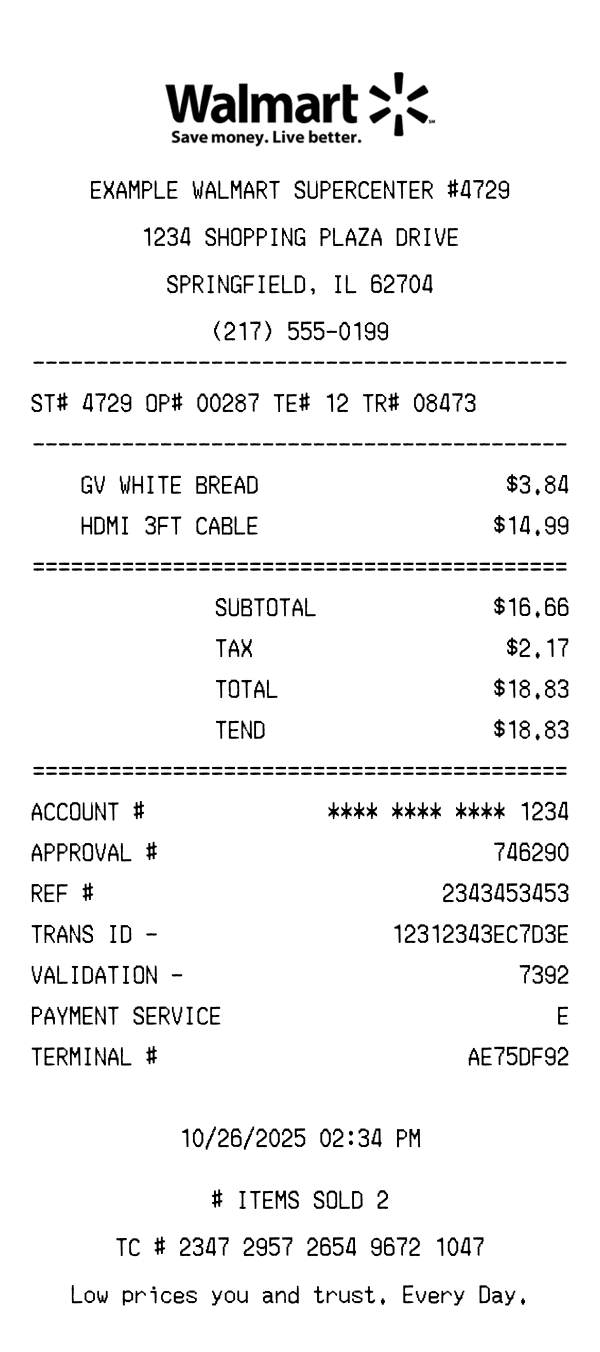
Free Target receipt template with accurate store formatting, including DPCI codes, REDcard savings, and Circle offers. Perfect for design mockups, app testing, and educational projects — customize every field and download instantly.
Use this template as a starting point or build from scratch.
A Target receipt has a distinctive layout that sets it apart from other retailers. With unique elements like DPCI codes, Target Circle savings, and REDcard discounts, understanding the format is essential for creating accurate templates for testing, mockups, or record-keeping.
Target receipts begin with the Target logo area followed by the store location, full street address, city, state, ZIP code, and phone number. The store number appears as a simple numeric identifier. Unlike Walmart, Target uses a cleaner header format without star symbols or store type labels.
Target receipts include a transaction number, register number, and cashier identifier. The transaction barcode appears at the bottom of the receipt for easy scanning during returns. Each item also includes a DPCI (Department, Class, Item) code — a Target-specific product identifier formatted as XXX-XX-XXXX.
Items are listed with their full product name (less abbreviated than Walmart), DPCI code, and price. Target groups items by department and clearly marks taxable items. Items purchased with Target Circle offers show the discount applied inline. Quantity and unit price are shown when multiples of the same item are purchased.
Target itemizes tax by category rather than showing a single tax line, which is a key difference from Walmart and Costco. The receipt shows subtotal, itemized tax lines, total, and savings summary. REDcard users see a 5% discount line. Payment details show the card type, masked number, and approval code.
The footer includes the transaction date and time, a barcode for returns, and Target’s return policy summary. Many receipts include a survey invitation at informtarget.com. Target Circle members see their earnings summary and available rewards at the bottom.
| Feature | Target | Walmart | Costco |
|---|---|---|---|
| Receipt format | Thermal paper | Thermal paper | Thermal paper (wide) |
| Store identifier | Store # | ST# + 4 digits | Warehouse # |
| Product codes | DPCI (XXX-XX-XXXX) | UPC barcode | 6-digit item number |
| Tax display | Itemized by category | Single tax line | Single tax line |
| Loyalty program | Target Circle + REDcard | Walmart+ | Executive membership |
See also: Walmart Receipt Template · Costco Receipt Template
Customize every detail — store info, items, prices, dates, and payment method. Download as PNG in seconds.