Generate a realistic Amazon receipt featuring order numbers, Prime shipping details, itemized product lines, tax breakdowns, and payment info. Edit every field and download a free PNG of your custom Amazon receipt.
Use this template as a starting point or build from scratch.
An Amazon receipt serves as proof of purchase for orders placed through the world's largest online marketplace. Unlike traditional thermal paper receipts from brick-and-mortar stores, Amazon receipts are digital documents that include order-specific metadata such as a unique order number, seller identification, and shipping method. Understanding this format is valuable for expense reporting, warranty claims, budgeting projects, and creating realistic mockups for app or website design. This Amazon receipt generator template replicates the structure of an actual Amazon order confirmation, making it easy to customize for testing or demonstration purposes.
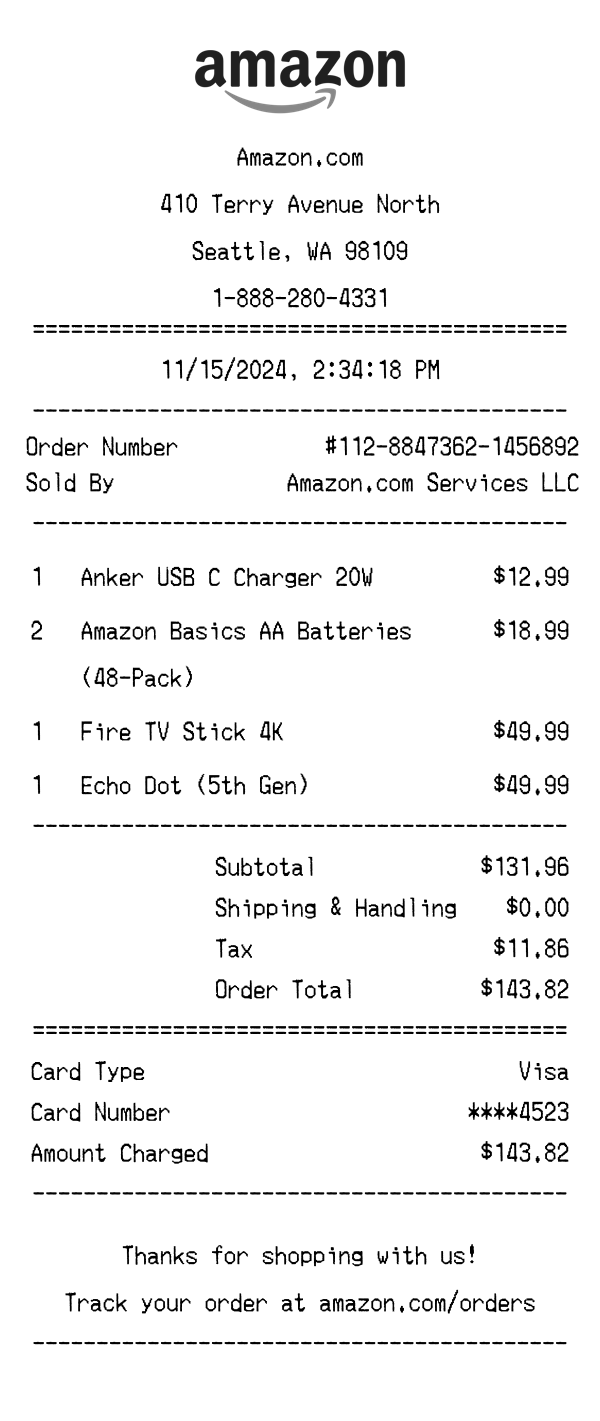
The top of an Amazon receipt prominently displays the Amazon logo, centered for immediate brand recognition. Below the logo, the business details list 'Amazon.com' along with the corporate headquarters address at 410 Terry Avenue North, Seattle, WA 98109, and the customer service phone number 1-888-280-4331. An equals-sign divider separates the header from the rest of the receipt, giving it a clean, structured appearance. This header block mirrors the format seen on official Amazon packing slips and digital invoices.
Amazon receipts feature a distinctive order number in the format #XXX-XXXXXXX-XXXXXXX, which serves as the primary transaction identifier for tracking, returns, and customer support inquiries. The receipt also includes a date and time stamp — in this template, displayed as '11/15/2024, 2:34:18 PM' — centered beneath the header. Additional metadata includes the 'Sold By' field, which identifies the fulfilling entity (e.g., Amazon.com Services LLC), helping distinguish items sold directly by Amazon from those sold by third-party marketplace sellers. These identifiers are critical for matching receipts to specific orders in your account history.
Items on an Amazon receipt are listed with a quantity, product name, and price per line. Product names tend to be descriptive and often include brand, model, and key specs — for example, 'Anker USB C Charger 20W' or 'Amazon Basics AA Batteries (48-Pack).' Each line item shows the quantity purchased on the left and the price on the right, making it easy to scan for individual charges. Amazon's own hardware products like the Fire TV Stick 4K and Echo Dot (5th Gen) appear alongside third-party items, all formatted consistently within the itemized list.
The totals section breaks down the order into subtotal, shipping and handling, tax, and the final order total. Prime members will see '$0.00' for shipping and handling, reflecting the free delivery benefit. Tax is calculated based on the shipping destination and appears as a separate line — in this template, $11.86 on a $131.96 subtotal. Below the totals, the payment section specifies the card type (Visa), the last four digits of the card number (****4523), and the total amount charged ($143.82). This clear separation of charges makes Amazon receipts straightforward for expense reconciliation.
The footer of an Amazon receipt includes a centered thank-you message — 'Thanks for shopping with us!' — followed by a prompt to track the order at amazon.com/orders. This directs buyers back to their account for real-time delivery updates and order management. A barcode appears at the very bottom, encoding the order number (112884736214568) for scanning purposes. There is no printed return policy on the receipt itself, as Amazon's return process is handled entirely through the website and app.
| Feature | Amazon | Walmart | Target |
|---|---|---|---|
| Receipt format | Digital receipt generated from online order — wider format resembling an invoice | Thermal paper receipt from in-store POS terminal | Thermal paper receipt from in-store POS terminal |
| Order/transaction ID | 17-digit order number in #XXX-XXXXXXX-XXXXXXX format | TC number (transaction code) printed at bottom of receipt | DPCI codes per item plus a transaction barcode at bottom |
| Shipping details | Includes shipping method line (e.g., Prime FREE Delivery) | No shipping line — purchases are in-store pickup by default | No shipping line on in-store receipts; separate format for online orders |
| Tax display | Single tax line calculated based on delivery address | Tax rate displayed with taxable/non-taxable items flagged individually | Tax totals shown with tax-exempt items marked with letters |
| Seller identification | 'Sold By' field identifies Amazon or third-party marketplace seller | Single seller — always Walmart store with store number and address | Single seller — always Target store with store number and address |
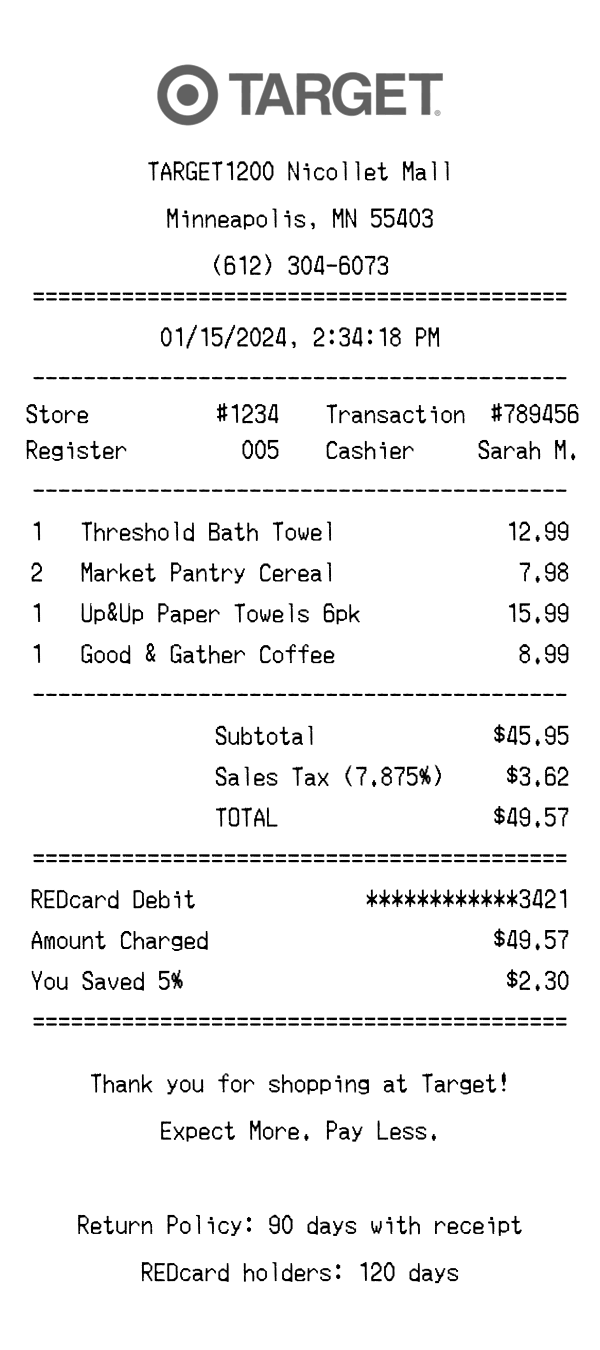
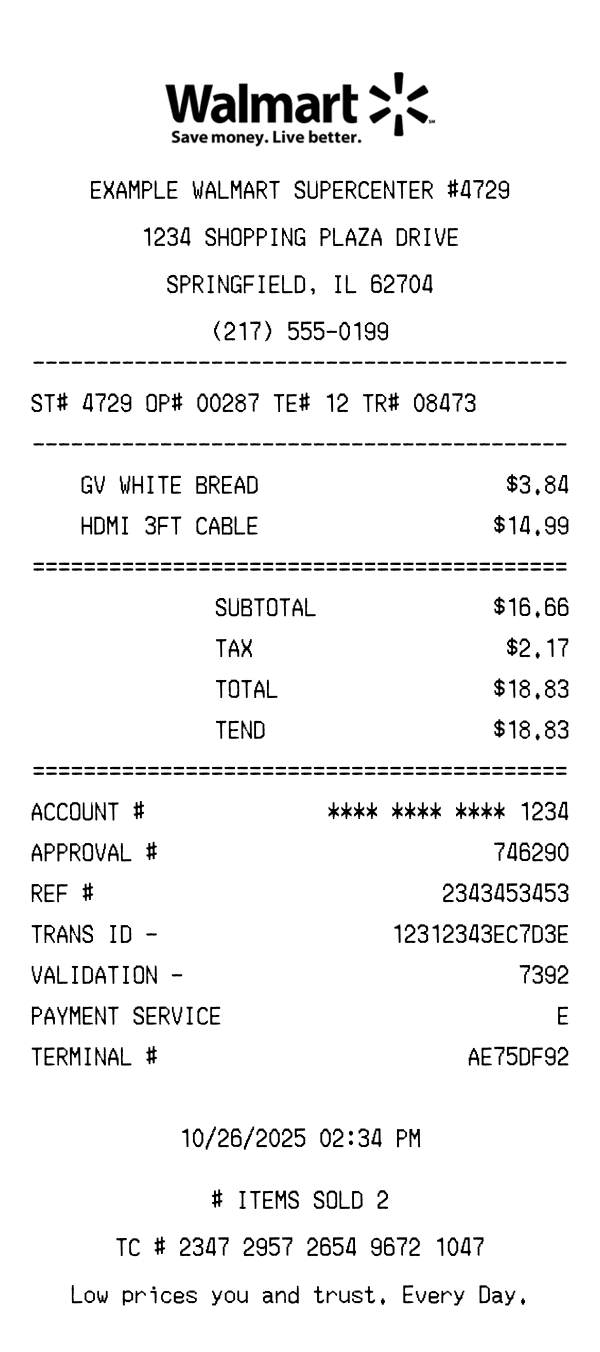
See also: Walmart Receipt Template · Target Receipt Template
Customize every detail — store info, items, prices, dates, and payment method. Download as PNG in seconds.