Explore a realistic Cash App payment receipt featuring cashtag sender/recipient fields, transaction IDs, fee breakdowns, and QR codes. Edit every field directly and download a free PNG of your custom Cash App receipt.
Use this template as a starting point or build from scratch.
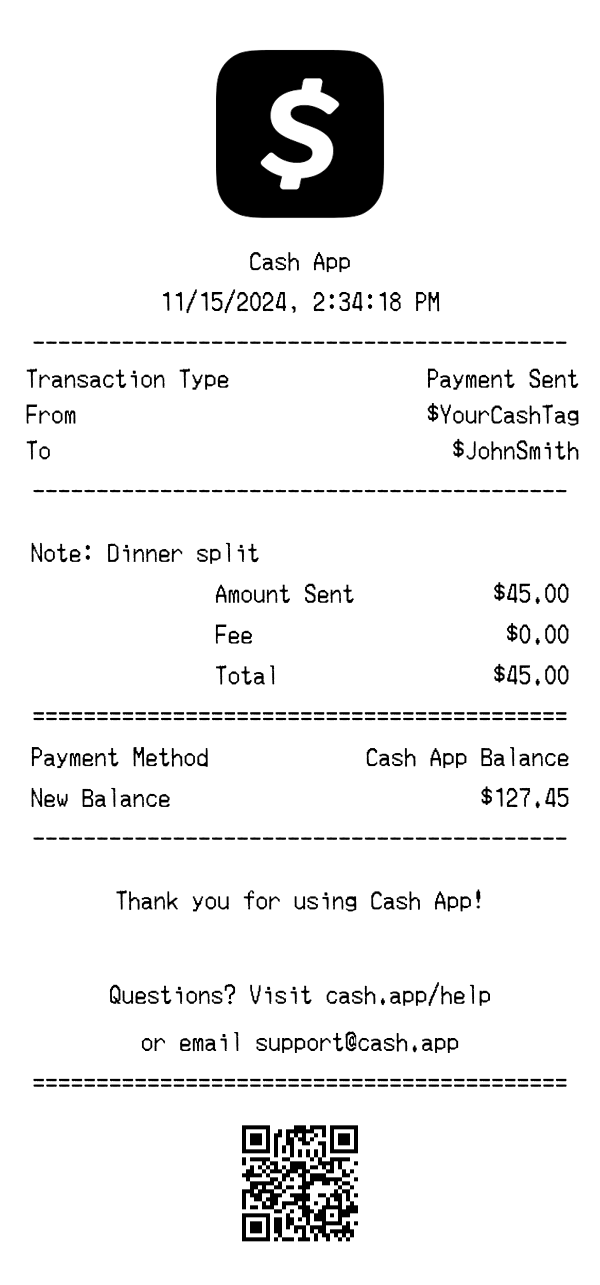
A Cash App payment receipt is a digital confirmation generated when you send or receive money through the Cash App platform. Unlike traditional retail receipts printed on thermal paper, Cash App receipts exist as in-app transaction records and email confirmations that document peer-to-peer payments. Understanding the format of a Cash App receipt is useful for expense tracking, splitting bills with friends, verifying payments to vendors, and creating realistic mockups for app development or UI testing. This template replicates the key elements you'd find on a real Cash App payment receipt, including cashtag identifiers, transaction references, and balance updates.
The top of a Cash App receipt features the distinctive Cash App logo centered prominently, followed by the 'Cash App' brand name. Unlike brick-and-mortar receipts that list a physical store address and phone number, Cash App receipts omit location details entirely since transactions are purely digital. The header is clean and minimal, reflecting the app's modern design language. The green Cash App logo serves as the primary brand identifier and is immediately recognizable to users.
Cash App receipts include several critical metadata fields that identify each transaction uniquely. The date and timestamp record exactly when the payment was processed, displayed in a standard format like '11/15/2024, 2:34:18 PM.' Each transaction is assigned a unique Transaction ID (e.g., 'TXN8492761') that can be used to look up the payment in your history or when contacting support. A separate Reference number (e.g., '#4729BK') provides an additional tracking code. The transaction type — such as 'Payment Sent,' 'Payment Received,' or 'Cash Out' — is clearly labeled to distinguish between different kinds of activity.
Unlike retail receipts that list individual products with SKUs and prices, Cash App receipts focus on the parties involved in the transaction. The 'From' field displays the sender's cashtag (e.g., '$YourCashTag'), while the 'To' field shows the recipient's cashtag (e.g., '$JohnSmith'). A status indicator confirms whether the payment was 'Completed,' 'Pending,' or 'Failed.' Users can also attach a note to any payment — such as 'Dinner split' — which appears on the receipt and helps both parties remember the purpose of the transfer.
The financial summary on a Cash App receipt breaks down the transaction into clear line items. The 'Amount Sent' shows the base payment figure, while a separate 'Fee' line indicates any charges applied — standard person-to-person payments from a Cash App balance show $0.00 in fees, though credit card-funded payments incur a 3% fee. The 'Total' line reflects the final amount debited. Below the totals, the payment method is specified (e.g., 'Cash App Balance,' linked debit card, or credit card), and the 'New Balance' field shows the remaining funds in the sender's Cash App account after the transaction.
The footer of a Cash App receipt includes a thank-you message ('Thank you for using Cash App!') followed by support contact information directing users to cash.app/help or the support email address. A QR code is displayed at the bottom that links directly to the transaction details page, allowing either party to quickly pull up the payment record by scanning. There is no return policy or survey link since Cash App is a payment platform, not a retailer — though disputed payments can be addressed through the app's support channels.
| Feature | Cash App | Amazon | Apple Store |
|---|---|---|---|
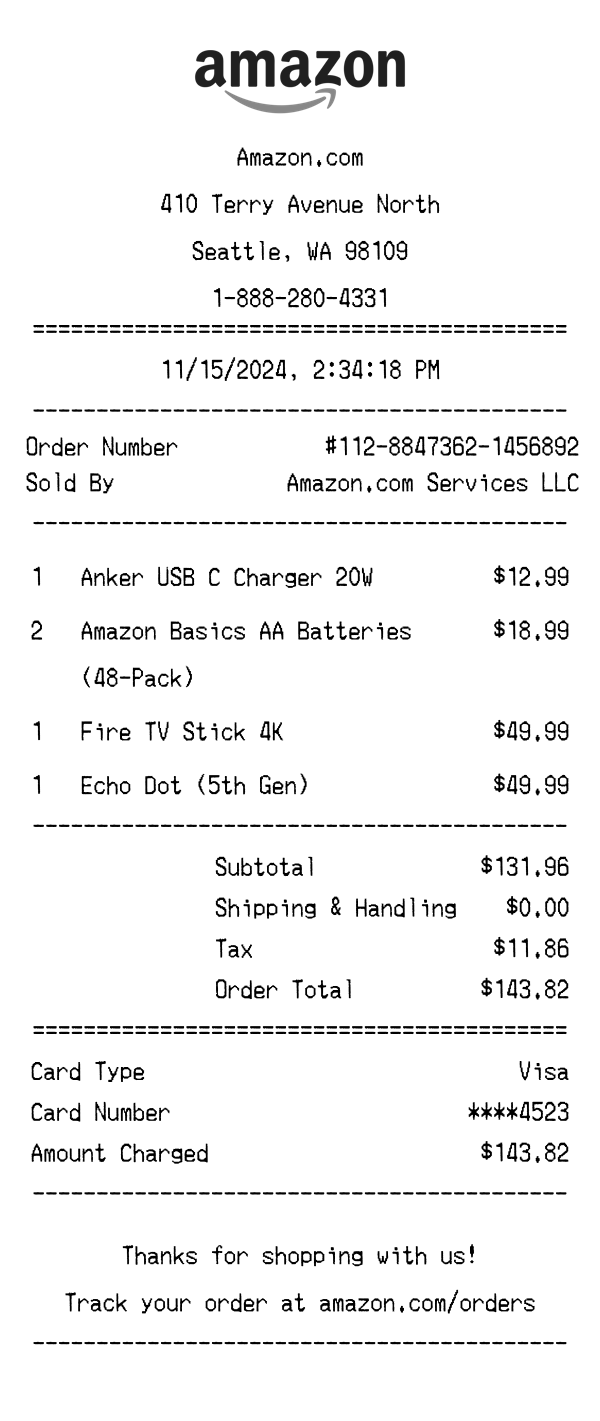
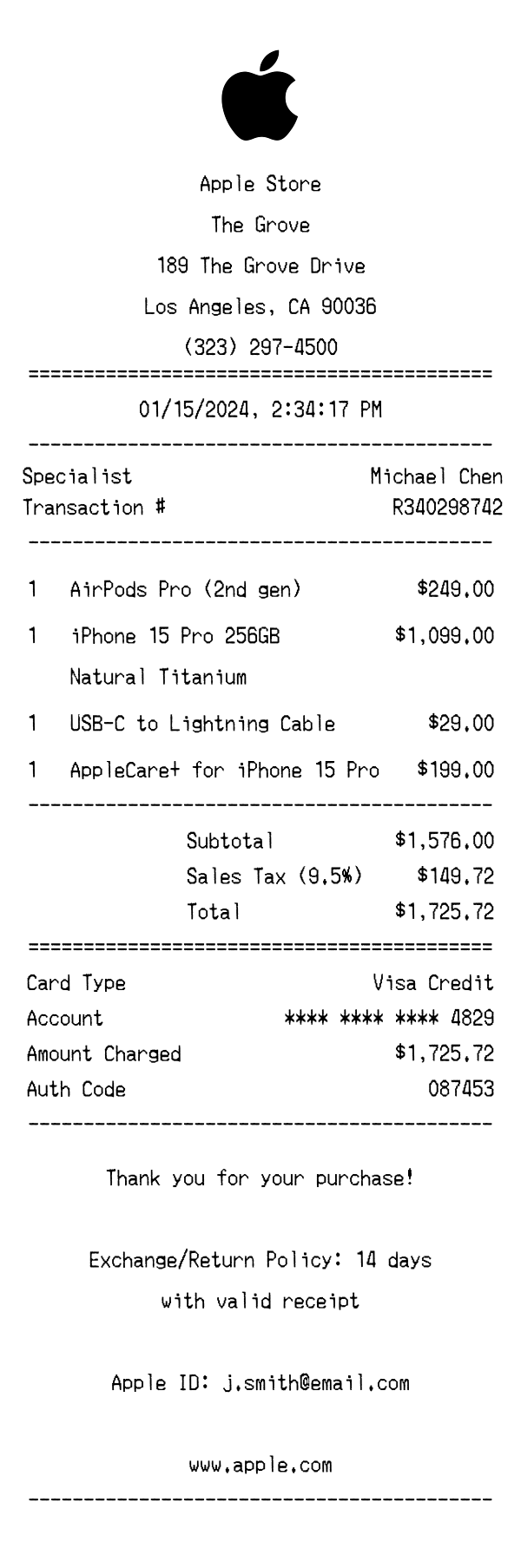
| Receipt format | Digital receipt for peer-to-peer payments with QR code | Digital email/PDF receipt for online orders with tracking info | Thermal or emailed receipt for in-store and online purchases |
| Item detail level | Single payment line with sender/recipient cashtags and a note field | Individual product listings with quantities, prices, and shipping details | Product names with serial numbers, AppleCare options, and accessory lines |
| Tax display | No tax — shows fees (typically $0.00 for balance-funded transfers) | Itemized sales tax calculated by state and delivery address | State/local sales tax applied and shown as a separate line |
| Transaction identifiers | Transaction ID, Reference number, and cashtag-based sender/recipient | Order number, delivery tracking ID, and seller marketplace info | Transaction number, store ID, register number, and Genius Bar codes |
| Footer content | Support link (cash.app/help), support email, and scannable QR code | Return/refund policy link, customer service info, and order management URL | Return policy details, AppleCare info, and customer survey link |
See also: Amazon Receipt Template · Apple Store Receipt Template
Customize every detail — store info, items, prices, dates, and payment method. Download as PNG in seconds.