Explore a realistic Apple Store receipt featuring itemized product lines, AppleCare+ details, Specialist info, and tax summary. Edit every field and download a free PNG.
Use this template as a starting point or build from scratch.
An Apple Store receipt documents a purchase made at one of Apple's retail locations, capturing everything from high-ticket devices like iPhones and MacBooks to accessories and AppleCare+ service plans. Understanding the layout of an Apple Store receipt is useful for expense reporting, warranty claims, corporate procurement documentation, and design mockups. Apple receipts follow a clean, structured format that mirrors the brand's minimalist aesthetic, with centered text, clear line items, and a barcode tied to the transaction number. This template replicates the format used at brick-and-mortar Apple Store locations, including Specialist attribution and store-specific identifiers.
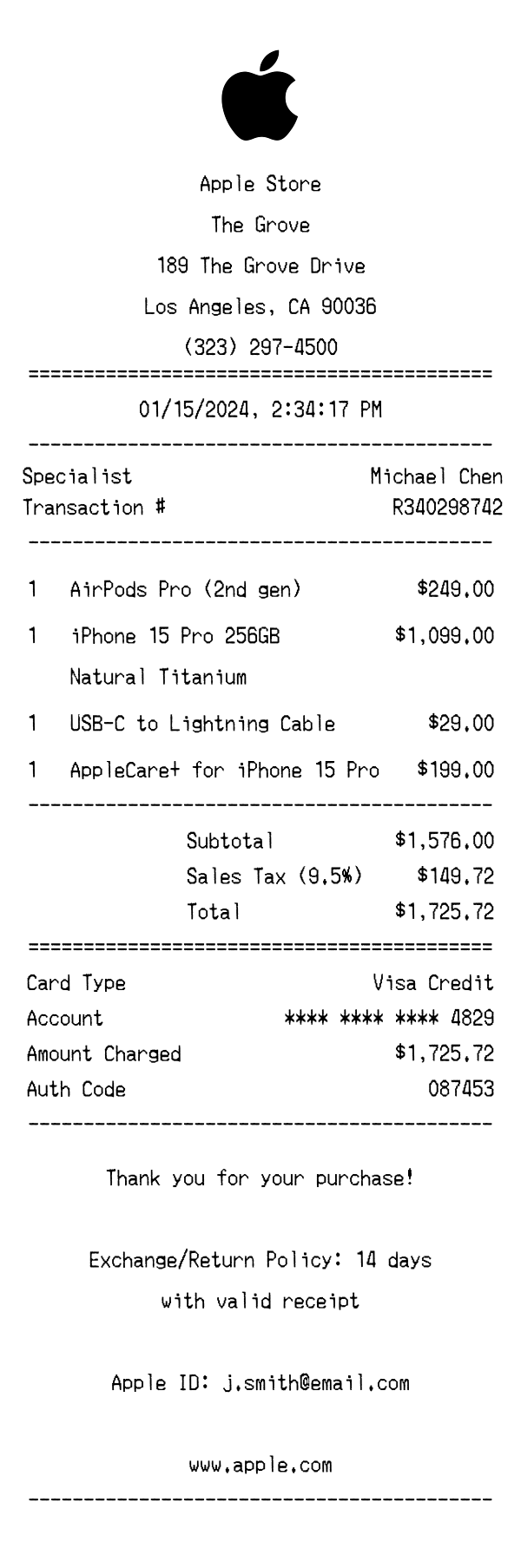
The top of an Apple Store receipt features the iconic Apple logo centered above the store name. Directly below, the specific retail location is identified — in this case, 'The Grove' — followed by the full street address (189 The Grove Drive, Los Angeles, CA 90036) and the store phone number. An equals-sign divider separates the header from the transaction details. This clean, centered layout is consistent across all Apple Store locations and immediately identifies the receipt's origin.
Apple Store receipts include several key transaction metadata fields. The 'Specialist' field names the Apple employee who assisted with the purchase (e.g., Michael Chen), personalizing the retail experience. The transaction number (R340298742) serves as the primary reference for returns and support inquiries. Additional identifiers include the register number and the store number (0421), which is Apple's internal identifier for that specific retail location. The date and time are displayed in a centered format with precision down to the second (01/15/2024, 2:34:17 PM).
Items are listed individually with a quantity, product name, and price on each line. Apple's receipts use full product names with key specifications — for example, 'iPhone 15 Pro 256GB' appears on one line with 'Natural Titanium' as a color descriptor on the next. Accessories like cables are listed with their exact connector type (USB-C to Lightning Cable). Service plans such as 'AppleCare+ for iPhone 15 Pro' appear as their own line items with their own pricing. Each item shows a quantity of 1 with prices right-aligned, making it easy to identify individual product costs at a glance.
The totals section begins with a subtotal of all items ($1,576.00), followed by the applicable sales tax. Apple Store receipts display the exact tax rate — here, 9.5% for Los Angeles County — alongside the calculated tax amount ($149.72). The total ($1,725.72) is prominently displayed, separated by an equals-sign divider for emphasis. The payment section details the card type (Visa Credit), a masked account number showing only the last four digits (**** **** **** 4829), the amount charged, and a six-digit authorization code (087453) for transaction verification.
The footer opens with a centered 'Thank you for your purchase!' message. Apple's exchange and return policy is stated concisely — 14 days with a valid receipt — which is important information for high-value electronics purchases. The customer's Apple ID email is printed, linking the purchase to their Apple account for warranty and support purposes. The Apple website URL (www.apple.com) is included as a general resource. A barcode at the very bottom encodes the transaction number (R340298742), enabling quick scanning for returns or exchanges at any Apple Store location.
| Feature | Apple Store | Best Buy | Amazon |
|---|---|---|---|
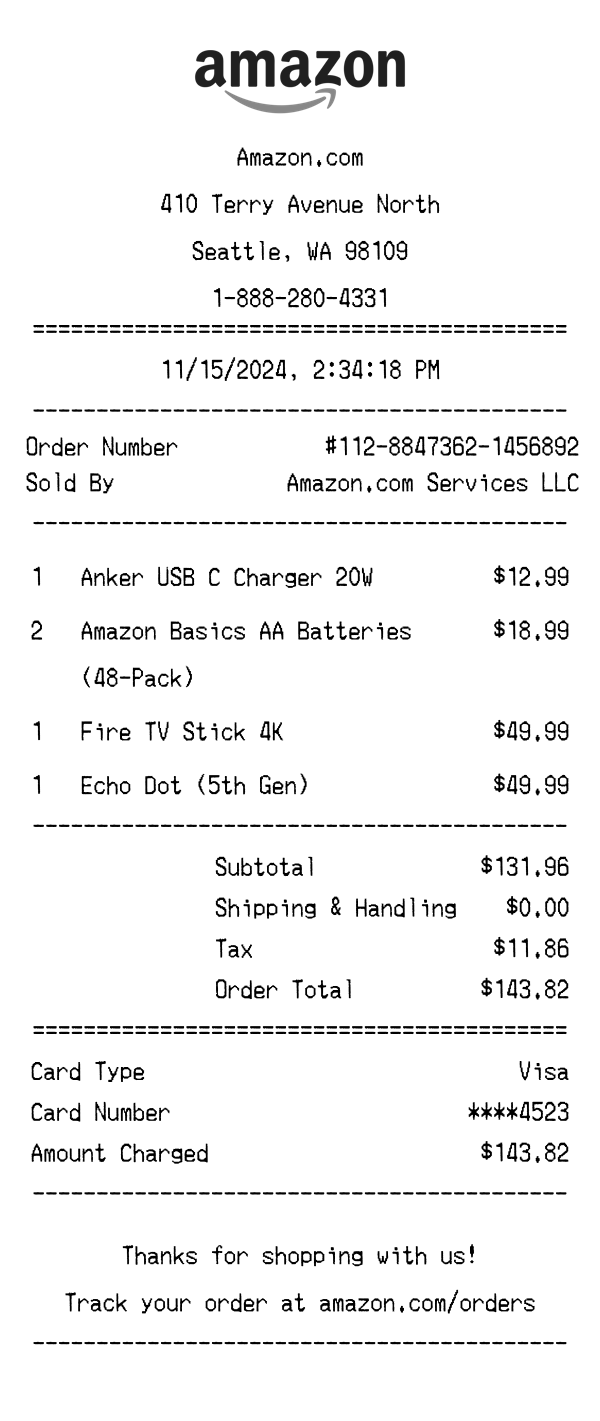
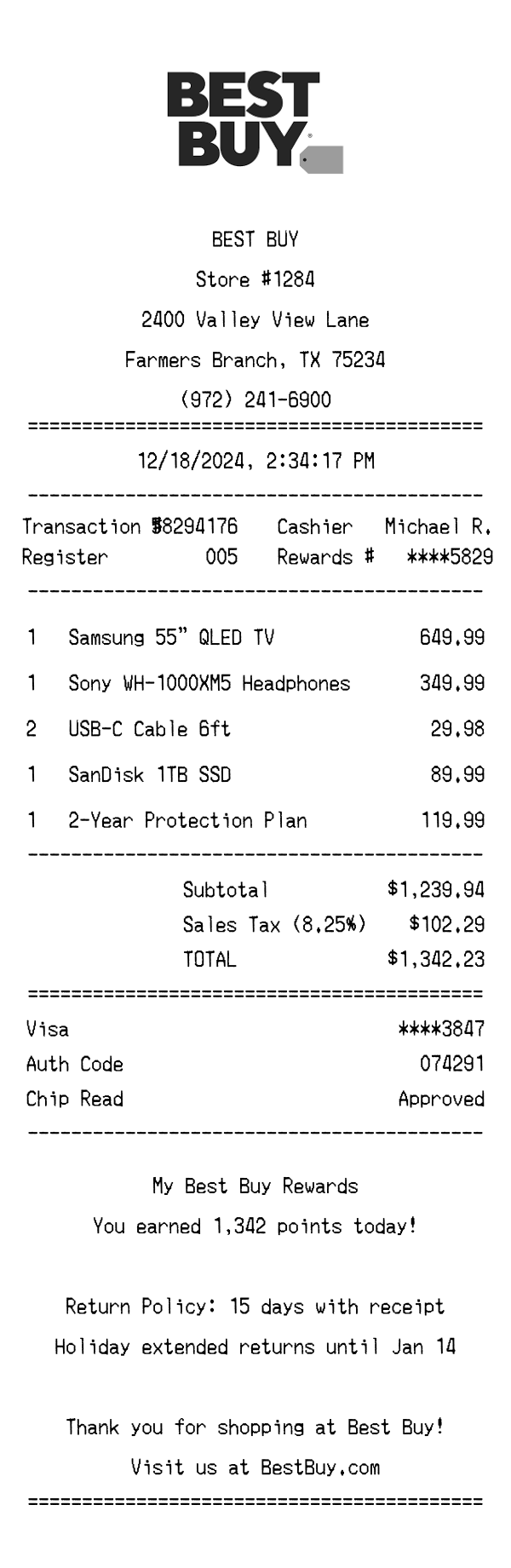
| Receipt format | Wide thermal paper with centered layout and Apple logo | Standard thermal paper with bold Best Buy branding and SKU details | Digital receipt delivered via email with order confirmation number |
| Employee attribution | Named 'Specialist' who assisted the purchase | Cashier ID or associate number printed on receipt | No employee attribution — fully automated online order |
| Tax display | Single sales tax line with exact percentage shown (e.g., 9.5%) | Tax broken out by category with state and local rates | Tax calculated per item based on shipping destination |
| Warranty / protection plans | AppleCare+ listed as a separate itemized line | Geek Squad Protection appears as add-on line item | Extended warranty offered post-purchase via email |
| Return policy | 14-day return window noted in footer | 15-day standard return policy (varies by membership tier) | 30-day return window with pre-paid shipping label |
See also: Best Buy Receipt Template · Amazon Receipt Template
Customize every detail — store info, items, prices, dates, and payment method. Download as PNG in seconds.