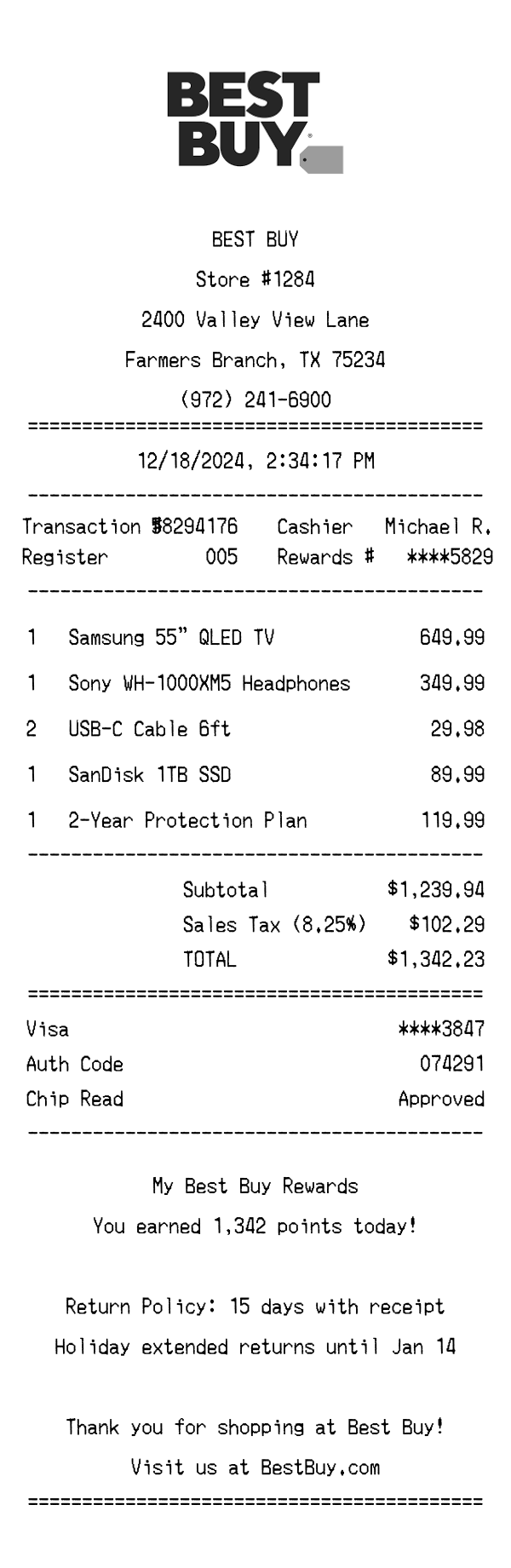
A realistic Best Buy receipt generator featuring store details, itemized electronics purchases, My Best Buy Rewards points, tax breakdown, and payment info. Edit every field and download as a free PNG.
Use this template as a starting point or build from scratch.
Best Buy receipts are issued at over 1,000 retail locations across the United States and serve as proof of purchase for electronics, appliances, and accessories. Understanding the format of a Best Buy receipt is essential for expense reporting, warranty claims, price-match requests, and product returns within the 15-day return window (or extended holiday return period). This Best Buy receipt generator template replicates the wide thermal paper format used at Best Buy registers, complete with store identifiers, itemized product listings, My Best Buy Rewards tracking, and barcode encoding. It's useful for designers building retail mockups, developers testing receipt-parsing software, or anyone who needs a realistic reference of what a Best Buy receipt looks like.
The top of a Best Buy receipt features the Best Buy logo printed in monochrome, centered above the store details. Below the logo, the header displays 'BEST BUY' in bold text followed by the specific store number (e.g., Store #1284), the full street address, city, state, and ZIP code. The store phone number is also included, making it easy to contact the location for post-purchase inquiries. This template uses the Farmers Branch, TX location as a default, but every field — store number, address, and phone — is fully editable.
Beneath the store header, the receipt prints the transaction date and time in a centered format (e.g., 12/18/2024, 2:34:17 PM). A two-column metadata section follows, listing the Transaction # (an 8-digit identifier like 58294176), the Register number (e.g., 005), the Cashier name (e.g., Michael R.), and the masked My Best Buy Rewards number (e.g., ****5829). These identifiers are critical for returns, exchanges, and reward point disputes, and they're all customizable in this template.
Best Buy receipts list purchased items in a quantity-name-price format. Each line shows the quantity purchased, the product description, and the line total. In this template, items range from a Samsung 55" QLED TV at $649.99 to smaller accessories like USB-C cables priced at $29.98 for two units. Protection plans such as the 2-Year Protection Plan at $119.99 appear as their own line items. Best Buy abbreviates long product names to fit the thermal paper width, and categories like TVs, headphones, storage drives, and cables are all mixed together without department grouping.
The totals section on a Best Buy receipt begins with the subtotal of all items before tax — in this case, $1,239.94. Texas sales tax is applied at 8.25%, adding $102.29 to bring the total to $1,342.23. The payment block shows the card type (Visa), the last four digits of the card number (****3847), the authorization code (074291), and the chip read status (Approved). Best Buy does not print a tip line, as it is a retail establishment. Any My Best Buy member discounts or coupon savings would appear between the subtotal and tax lines.
The footer of a Best Buy receipt highlights the My Best Buy Rewards program, showing the number of points earned on the transaction (e.g., 1,342 points). It also displays the return policy — typically 15 days with a receipt, with an extended holiday return window through January 14 for purchases made during the holiday season. A thank-you message and a reference to BestBuy.com round out the text portion. At the very bottom, a barcode encodes the transaction number, register, and date into a scannable format used for returns and receipt lookups at any Best Buy location.
| Feature | Best Buy | Walmart | Amazon |
|---|---|---|---|
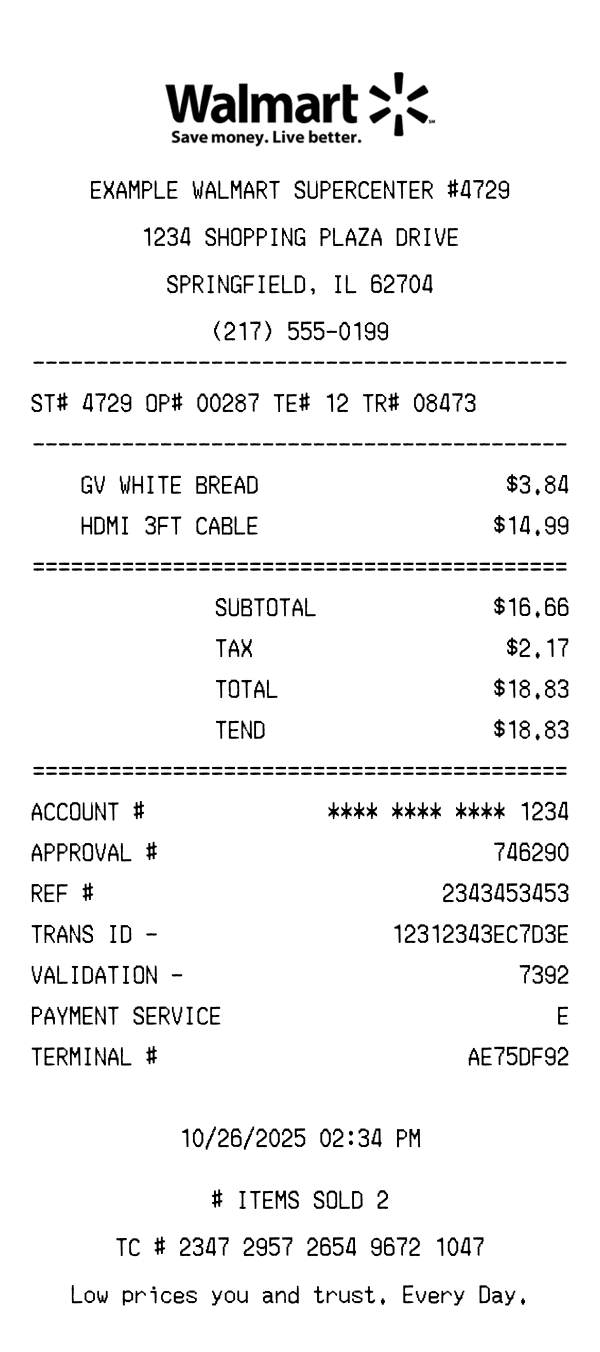
| Receipt format | Wide thermal paper with centered logo and monochrome branding | Standard thermal paper with Walmart spark logo and store branding | Digital receipt delivered via email with HTML formatting |
| Item categorization | No department grouping — all items listed sequentially by scan order | Items grouped by department with department codes (e.g., GROCERY, ELECTRONICS) | Items listed by order with individual product links and seller info |
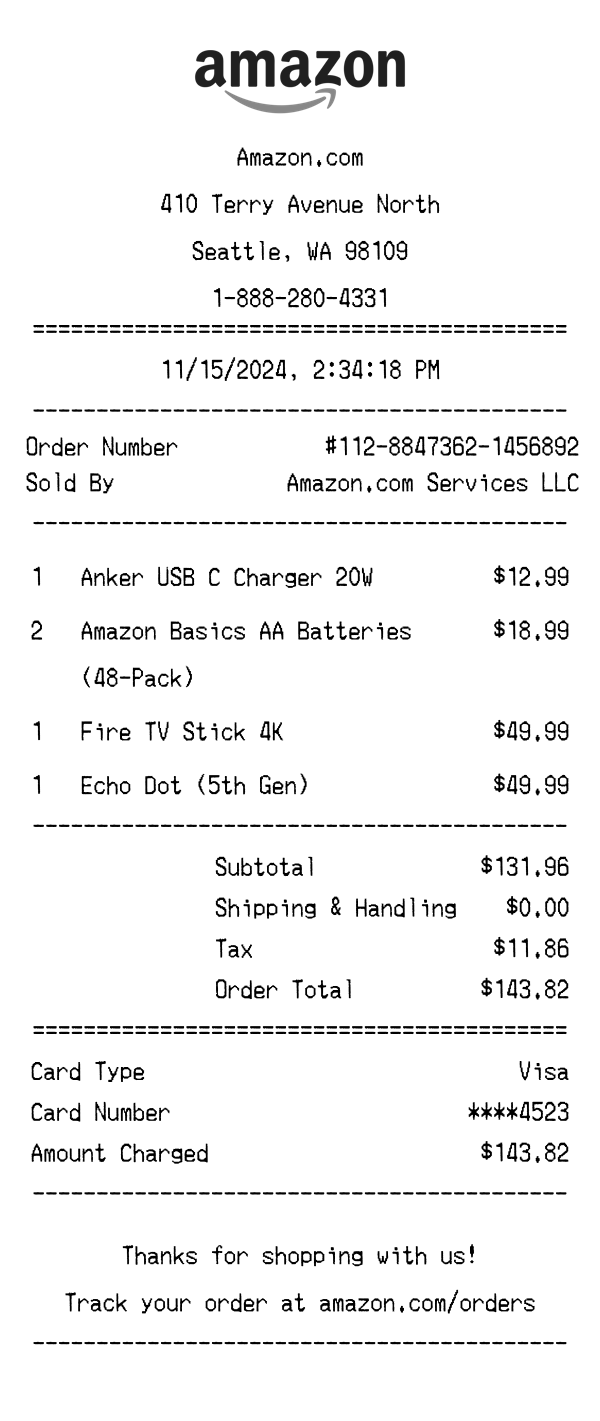
| Loyalty / Rewards | My Best Buy Rewards with points earned per transaction and masked member number | Walmart+ membership savings shown; no points-based loyalty system | Prime savings displayed; cashback via Amazon credit cards tracked separately |
| Return policy display | 15-day return window printed on receipt; holiday extension noted separately | 90-day return policy referenced on receipt with exceptions for electronics | 30-day return window with item-specific return links in digital receipt |
| Tax calculation | Single sales tax rate applied to full subtotal (e.g., 8.25% in Texas) | Tax broken out by category — some items taxed differently (grocery vs. general) | Tax calculated per item based on shipping destination; varies by state and item type |
See also: Walmart Receipt Template · Amazon Receipt Template
Customize every detail — store info, items, prices, dates, and payment method. Download as PNG in seconds.