A realistic Lowe's home improvement receipt featuring itemized hardware and building supplies, store and transaction details, tax calculation, Visa payment info, and MyLowe's Rewards messaging. Edit every field and download a free PNG.
Use this template as a starting point or build from scratch.
Lowe's is one of the largest home improvement retailers in the United States, operating over 1,700 stores nationwide. A typical Lowe's receipt documents purchases ranging from lumber and power tools to paint supplies and lighting — exactly the mix shown in this template. Understanding the Lowe's receipt format is useful for homeowners tracking renovation expenses, contractors managing project budgets, and anyone needing to file expense reports or warranty claims. This Lowe's receipt generator template replicates the real thermal paper layout so you can create accurate mockups for UI testing, design projects, or bookkeeping references.
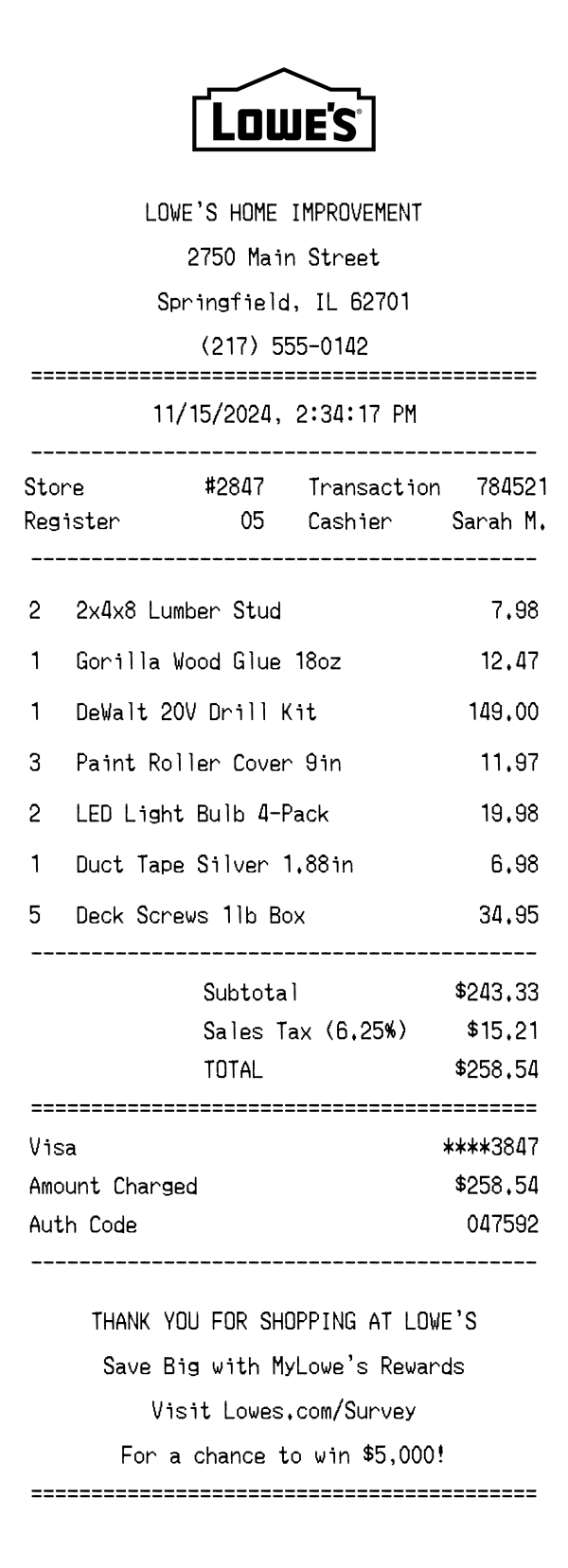
The top of a Lowe's receipt prominently displays the Lowe's logo followed by the text 'LOWE'S HOME IMPROVEMENT' in bold, centered lettering. Below the business name, the full store address appears — in this example, 2750 Main Street, Springfield, IL 62701 — along with the store phone number (217) 555-0142. This header block is separated from the rest of the receipt by an equals-sign divider line. The centered alignment and clear formatting make it easy to identify which Lowe's location the purchase was made at, which is important for returns and warranty service.
Lowe's receipts include a two-column metadata section with key transaction details. The left column displays the store number (#2847) and register number (05), while the right column shows the transaction number (784521) and cashier name (Sarah M.). The date and time stamp — 11/15/2024, 2:34:17 PM — appears on its own centered line above the transaction details. These identifiers are essential for returns, price adjustments, and matching receipts to credit card statements, and the transaction number is also encoded into the barcode at the bottom of the receipt.
Items on a Lowe's receipt are listed in a straightforward quantity–description–price format. Each line shows the quantity purchased, a concise product name, and the line total. For example, '2 × 2x4x8 Lumber Stud' displays as $7.98, reflecting the per-unit price multiplied by quantity. Product names use common retail abbreviations like 'oz' for ounces and 'in' for inches, as seen in 'Gorilla Wood Glue 18oz' and 'Duct Tape Silver 1.88in.' Higher-ticket items like the DeWalt 20V Drill Kit appear alongside bulk purchases like '5 × Deck Screws 1lb Box,' reflecting the typical mix of a home improvement shopping trip.
The totals section begins with a subtotal of $243.33 covering all seven line items. Illinois state and local sales tax is calculated at 6.25%, adding $15.21 to arrive at a total of $258.54. This section is bracketed by an equals-sign divider to visually emphasize the final amount. Payment details appear below, showing a Visa card ending in ****3847 with the full $258.54 charged and an authorization code of 047592. The auth code is useful for disputing charges or verifying the transaction with your card issuer.
The footer of a Lowe's receipt opens with a centered 'THANK YOU FOR SHOPPING AT LOWE'S' message. It then promotes the MyLowe's Rewards loyalty program, encouraging customers to sign up for savings. A survey invitation directs customers to Lowes.com/Survey with the incentive of a chance to win $5,000 — a common feature on real Lowe's receipts. At the very bottom, a scannable barcode encodes the transaction number, store number, and purchase date (784521284720241115), which associates the receipt with the specific transaction for returns and exchanges.
| Feature | Lowe's | Home Depot | Walmart |
|---|---|---|---|
| Store type | Home improvement store focused on building materials, tools, and appliances | Home improvement warehouse with a similar product mix and contractor services | General merchandise supercenter covering groceries, electronics, and household goods |
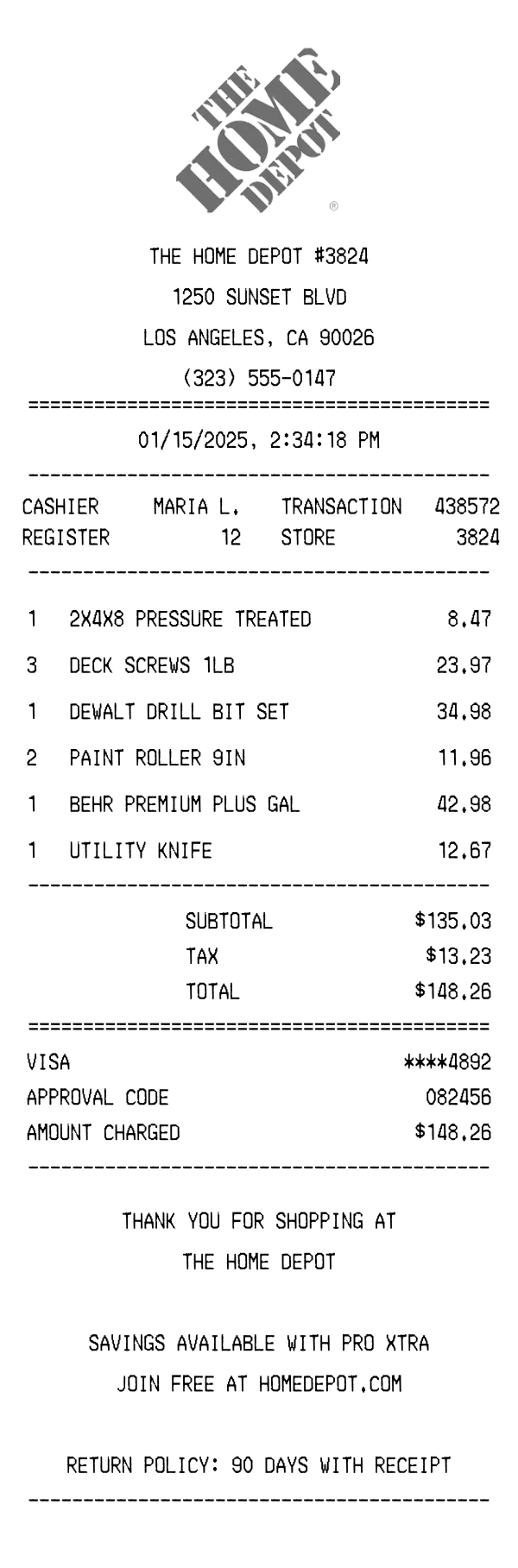
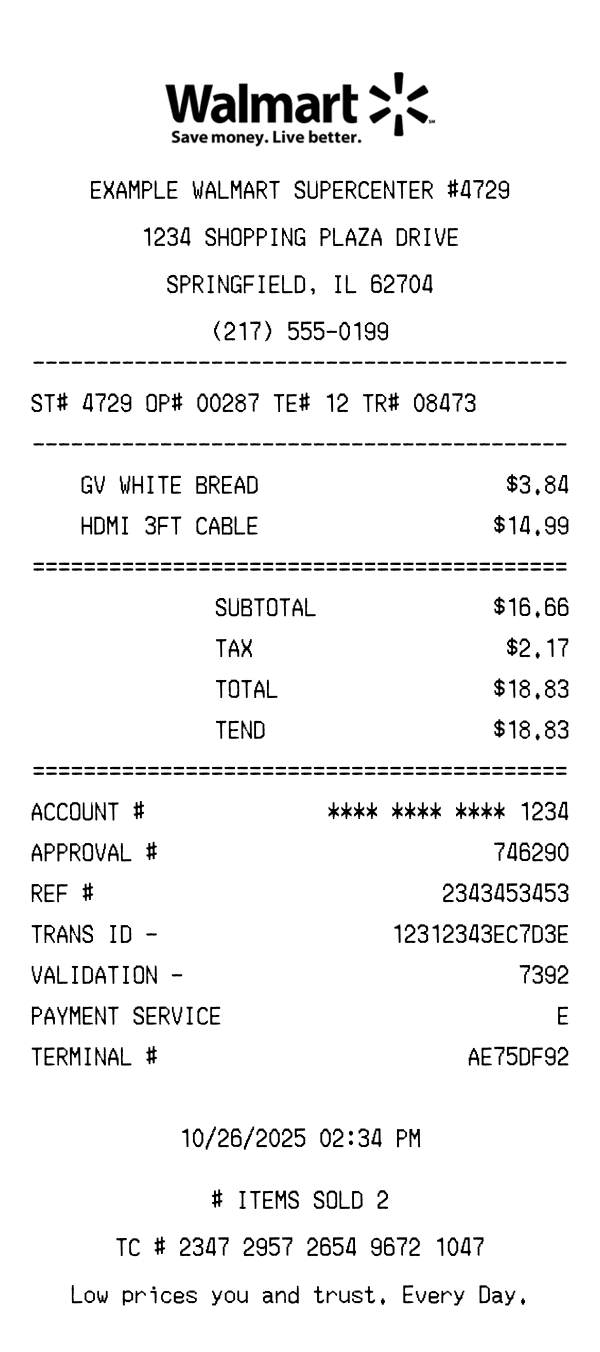
| Receipt format | Thermal paper with centered logo, equals-sign dividers between sections | Thermal paper with bold header text and dashed dividers | Thermal paper (wide) with store branding and department codes on each item line |
| Tax display | Single sales tax line at 6.25% shown between subtotal and total | Tax line with rate percentage, may show separate county/state breakdowns | Tax codes per item (T = taxable) with a combined tax total at the bottom |
| Loyalty program | MyLowe's Rewards promoted in the footer with savings messaging | Pro Xtra loyalty program for contractors, shown when a member ID is linked | Walmart+ membership perks and Walmart Rewards referenced on digital receipts |
| Survey incentive | Lowes.com/Survey with a chance to win $5,000 | HomeDepot.com/Survey with a $5,000 gift card sweepstakes | Survey.Walmart.com offering a $1,000 gift card entry |
See also: Home Depot Receipt Template · Walmart Receipt Template
Customize every detail — store info, items, prices, dates, and payment method. Download as PNG in seconds.