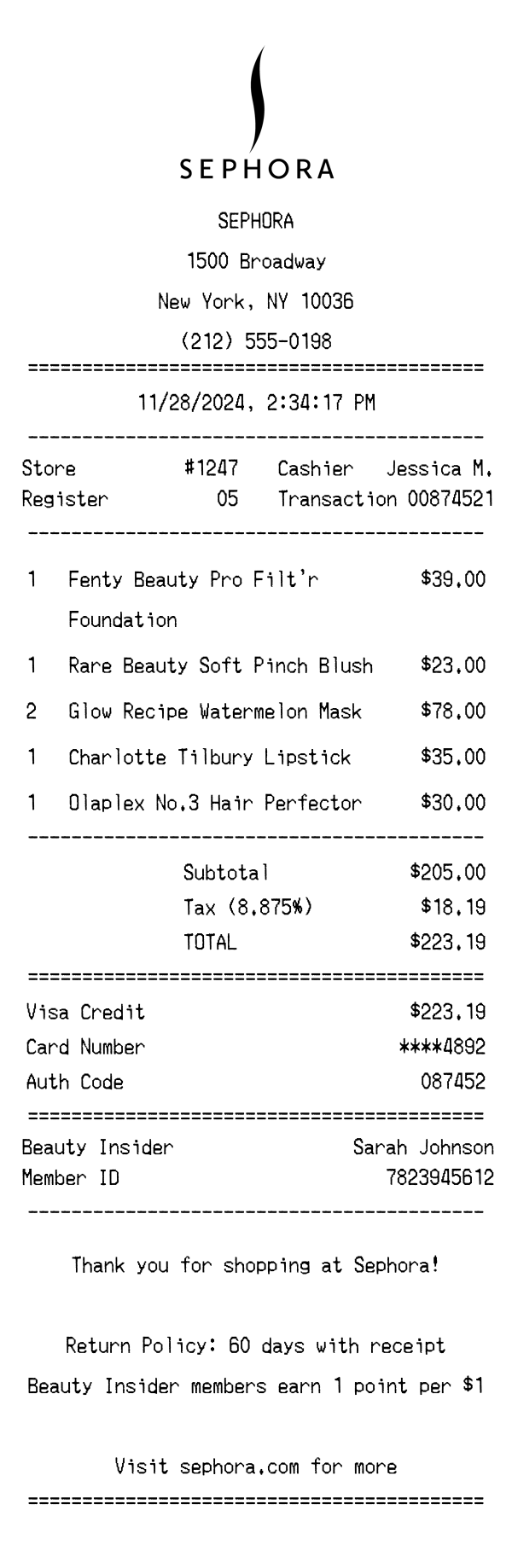
A detailed Sephora receipt template featuring branded header, itemized beauty products, Beauty Insider loyalty points, and tax breakdown. Edit every field and download a free PNG.
Use this template as a starting point or build from scratch.
A Sephora receipt is the transaction record you receive after purchasing beauty, skincare, and haircare products at any Sephora retail location. Understanding the format of a Sephora receipt is useful for expense reporting, gift tracking, return processing, and design mockups. This template replicates the real layout of an in-store Sephora receipt, including the centered Sephora logo, store details, itemized product lines with quantities, Beauty Insider loyalty information, and a scannable barcode. Whether you're building a prototype, testing an expense management system, or creating content that references beauty retail receipts, this Sephora receipt generator lets you customize every detail.
The top of a Sephora receipt features the centered Sephora logo followed by the store name in bold uppercase lettering. Below the logo, the full store address is printed — in this example, 1500 Broadway, New York, NY 10036 — along with the store phone number. The header is separated from the rest of the receipt by an equals-sign divider, a common formatting choice on Sephora thermal receipts. This header section establishes the specific retail location and provides contact information for any follow-up inquiries.
Sephora receipts display transaction metadata in a clean two-column layout beneath the date and time stamp. The left column includes the store number (e.g., #1247) and register number (e.g., 05), while the right column shows the cashier name (e.g., Jessica M.) and a unique transaction number (e.g., 00874521). The date and time are printed in a centered format — this example shows 11/28/2024 at 2:34:17 PM. These identifiers are essential for returns, exchanges, and customer service lookups.
Products on a Sephora receipt are listed with quantity, full product name, and price on each line. Brand names are included alongside product names — for example, 'Fenty Beauty Pro Filt'r Foundation' and 'Rare Beauty Soft Pinch Blush' — which reflects how Sephora carries multiple brands under one roof. When multiple units of the same item are purchased, the quantity is noted (e.g., '2' for the Glow Recipe Watermelon Mask at $78.00 total). Items are not grouped by department or category; they appear in the order they were scanned. A dash divider separates the item list from the totals section.
The totals section begins with a subtotal of all items before tax — $205.00 in this example. New York City's combined sales tax rate of 8.875% is explicitly listed, producing a tax amount of $18.19 and a total of $223.19. The payment section follows, showing the method (Visa Credit), the masked card number (****4892), and an authorization code (087452). Sephora receipts clearly separate the totals from the payment block using equals-sign dividers, making it easy to identify the amount charged.
The footer of a Sephora receipt includes the Beauty Insider loyalty program details, showing the member's name (Sarah Johnson), member ID, points earned on this transaction (223 points), and total accumulated points (1,847). Sephora's Beauty Insider program awards 1 point per $1 spent, which is noted in the closing message. The return policy — 60 days with receipt — is printed prominently, along with a website reference to sephora.com. A barcode at the very bottom encodes the transaction and store data for quick scanning during returns or exchanges.
| Feature | Sephora | Louis Vuitton | Target |
|---|---|---|---|
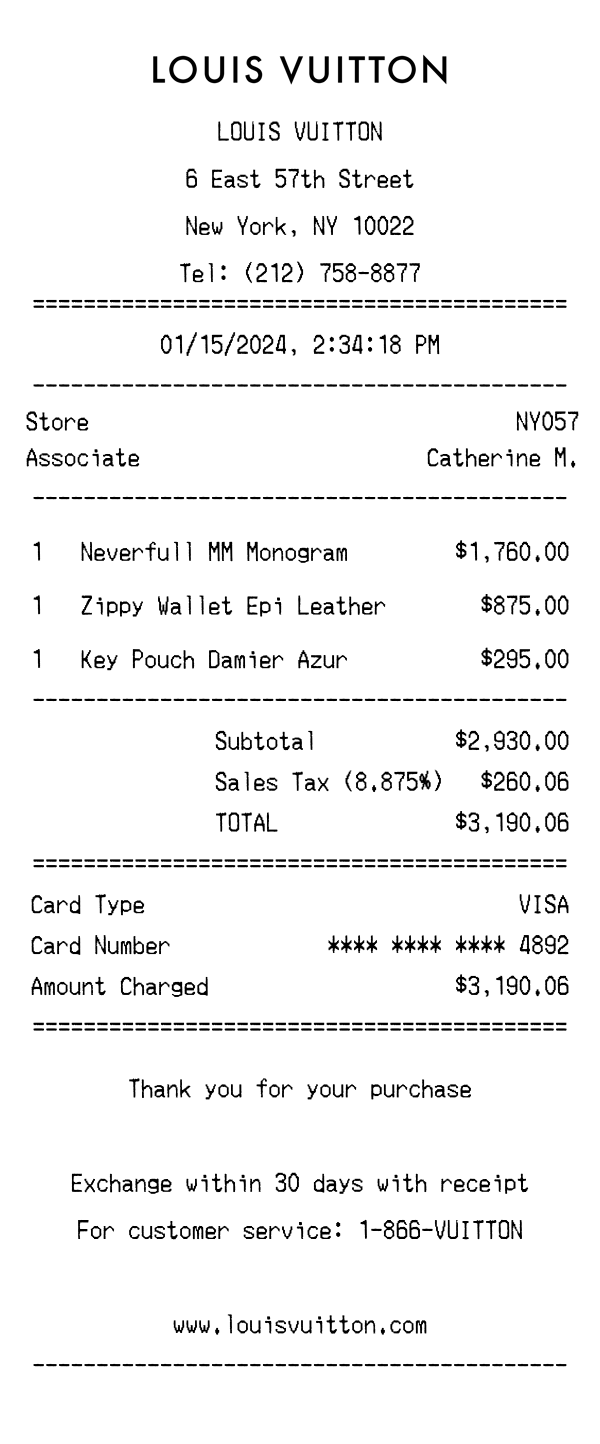
| Receipt format | Thermal paper with centered Sephora logo and merchant-copy font | Premium printed receipt on heavier stock with luxury branding | Standard thermal paper with bullseye logo and bold store header |
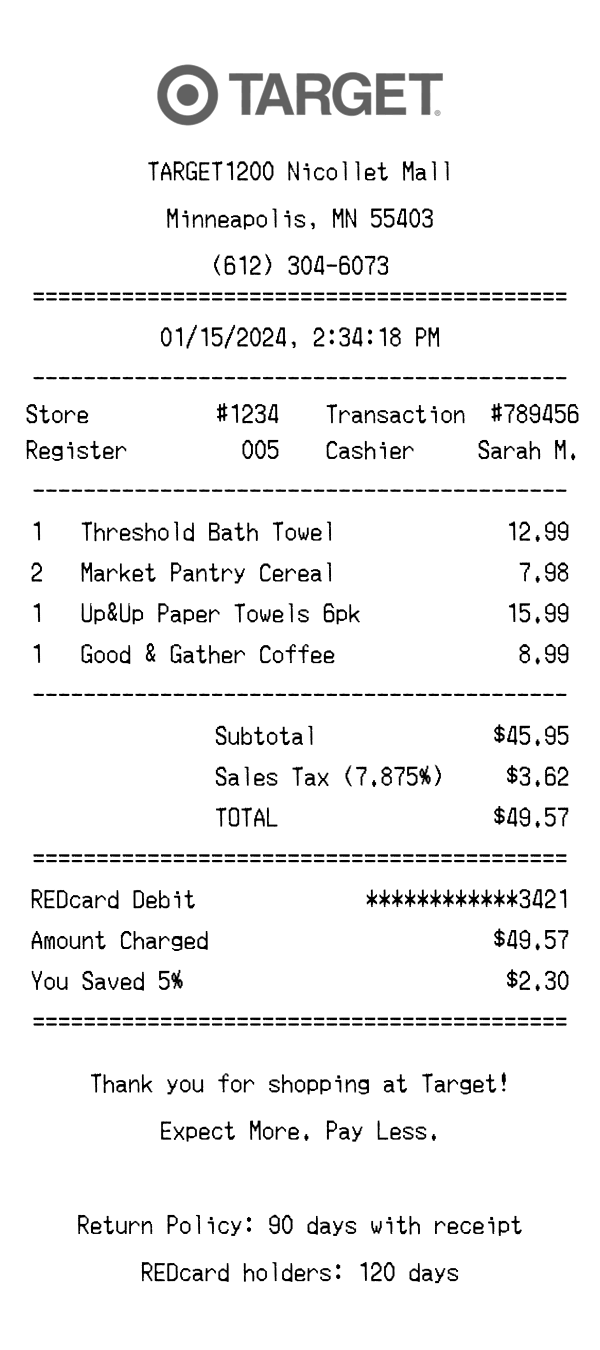
| Loyalty program | Beauty Insider program with points earned per transaction and total balance displayed | No standard loyalty program shown on receipt | Target Circle savings and rewards printed with applicable discounts |
| Product listing style | Multi-brand product names with quantity and line total (e.g., Fenty Beauty, Rare Beauty) | Single luxury brand items with detailed product descriptions and SKU codes | Department-coded items with abbreviated names and individual DPCI numbers |
| Tax display | Single tax line with percentage shown (8.875%) and calculated amount | Tax line with location-specific rate applied to luxury goods total | Tax broken out by rate category (e.g., taxable vs. non-taxable items) |
| Return policy | 60-day return window with receipt, printed in footer message | Return details typically provided on a separate insert | 90-day return policy (varies by category) printed on receipt |
See also: Louis Vuitton Receipt Template · Target Receipt Template
Customize every detail — store info, items, prices, dates, and payment method. Download as PNG in seconds.