A realistic AutoZone receipt template featuring store details, auto parts line items, tax breakdown, and payment info. Edit every field in the receipt generator and download as a free PNG.
Use this template as a starting point or build from scratch.
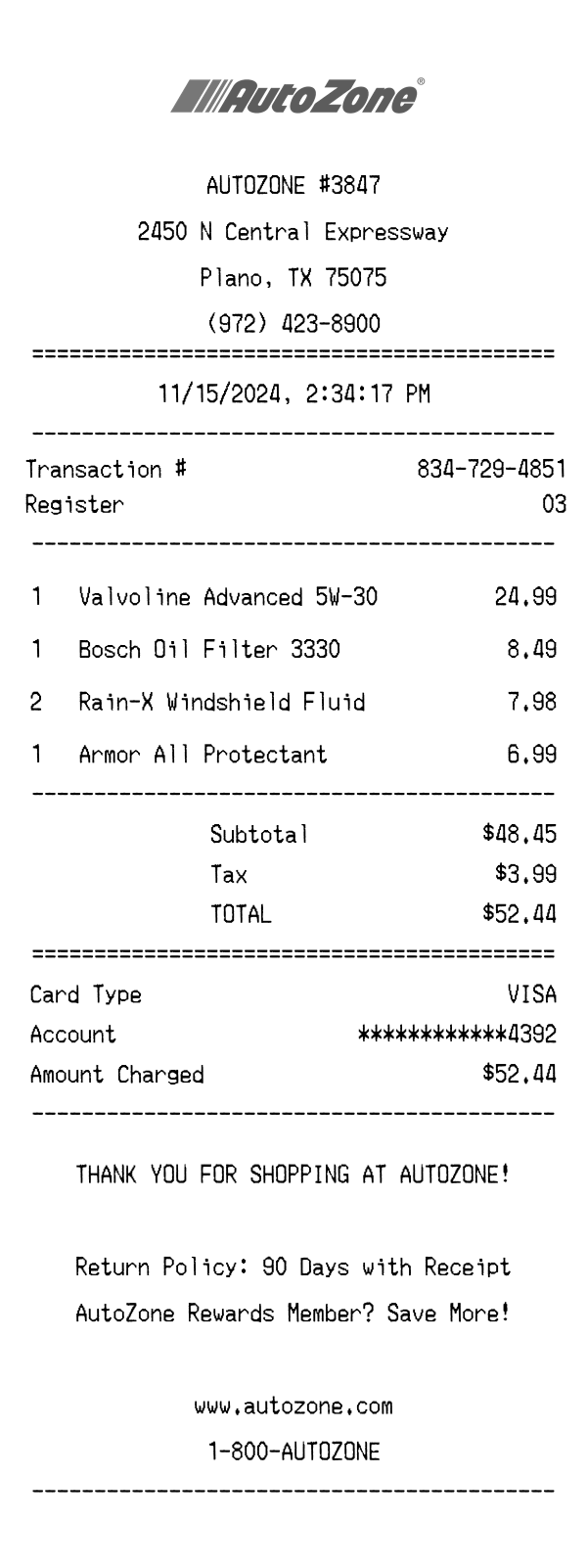
An AutoZone receipt is a thermal paper transaction record issued at AutoZone auto parts stores across the United States. These receipts document purchases of motor oil, filters, wiper fluid, car care products, and thousands of other automotive parts and accessories. Understanding the AutoZone receipt format is useful for expense reporting, warranty claims, vehicle maintenance logs, and design mockups. This AutoZone receipt template replicates the real layout — from the centered logo and store header to the barcode at the bottom — so you can use it for testing, prototyping, or recordkeeping purposes.
The top of an AutoZone receipt features the AutoZone logo printed in black and white, centered above the store information. Below the logo, the store number is displayed (e.g., AUTOZONE #3847), followed by the full street address, city, state, and ZIP code. The store phone number appears on the next line. A double-line equals-sign divider separates the header from the rest of the receipt, giving it a clean, structured appearance typical of AutoZone's thermal paper format.
AutoZone receipts include several transaction metadata fields printed below the date and time stamp. The transaction number follows a three-segment format (e.g., 834-729-4851) that uniquely identifies the purchase. The register number indicates which point-of-sale terminal processed the sale. The cashier's name is printed in abbreviated form (e.g., MIKE S.), which is useful for returns or inquiries. The date and time are centered and displayed in a standard month/day/year format with a 12-hour clock.
Line items on an AutoZone receipt list each product with its quantity, name, and price on a single row. Product names use the manufacturer brand and model designation — for example, 'Valvoline Advanced 5W-30' or 'Bosch Oil Filter 3330' — making it easy to identify exact SKUs. When multiple units of the same item are purchased, the quantity is reflected and the total line price is already multiplied (e.g., 2x Rain-X Windshield Fluid at $7.98). Items are listed in the order they were scanned, separated from the totals section by a dashed divider.
The totals section begins with the subtotal, which sums all item prices before tax. Sales tax is calculated based on the local rate and displayed as a separate line — in this Texas example, $3.99 on a $48.45 subtotal. The total is prominently labeled in uppercase. Below the double-line divider, the payment section shows the card type (e.g., VISA), a masked account number showing only the last four digits (************4392), and the exact amount charged. AutoZone receipts do not include a tip line, as the store is a self-service retail environment.
The footer of an AutoZone receipt includes a centered thank-you message reading 'THANK YOU FOR SHOPPING AT AUTOZONE!' in all caps. Below this, the return policy is stated — typically 90 days with receipt — providing customers with clear guidance on exchanges and refunds. A prompt to join or use AutoZone Rewards encourages loyalty program participation. The store's website (www.autozone.com) and customer service number (1-800-AUTOZONE) are printed for reference. At the very bottom, a scannable barcode encodes the transaction number for easy receipt lookup during returns.
| Feature | AutoZone | Home Depot | Oil Change |
|---|---|---|---|
| Store type | Auto parts retail store specializing in vehicle maintenance products | Home improvement warehouse carrying tools, lumber, and building materials | Automotive service shop performing oil changes and fluid top-offs |
| Receipt format | Thermal paper with centered logo, barcode at bottom | Thermal paper (wide) with store details and SKU barcodes | Printed receipt or invoice-style document with service descriptions |
| Item detail level | Brand name, product model, quantity, and price per line | SKU number, item description, department code, and price | Service type, oil weight/brand, filter, and labor charges |
| Loyalty program | AutoZone Rewards — mentioned in footer as a savings prompt | Pro Xtra for contractors with purchase tracking | Typically no loyalty program; relies on service stickers and mileage reminders |
| Return policy display | 90 days with receipt, stated in footer message | 180 days for most items, printed on receipt with exceptions noted | Service-based — usually a satisfaction guarantee rather than a return policy |
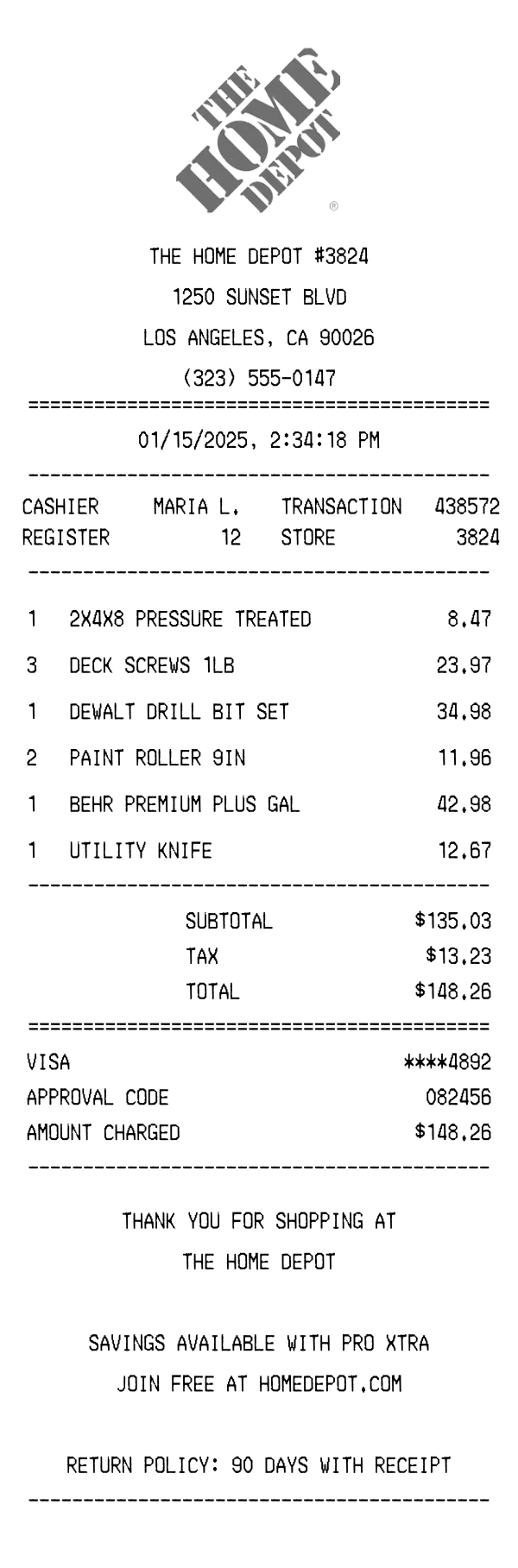
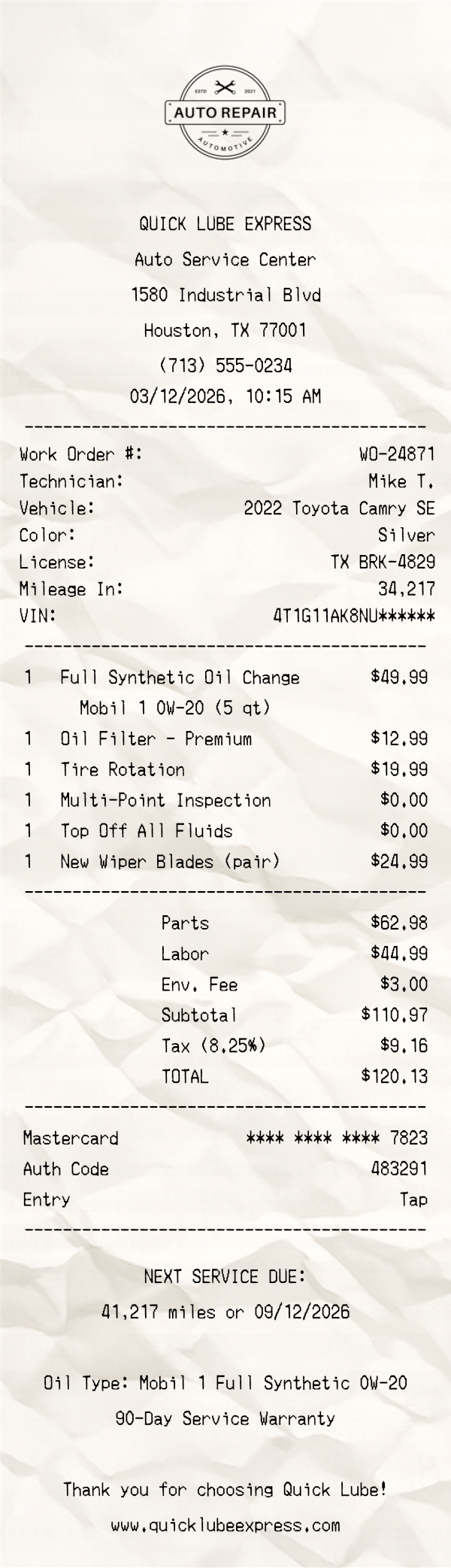
See also: Home Depot Receipt Template · Oil Change Receipt Template
Customize every detail — store info, items, prices, dates, and payment method. Download as PNG in seconds.